General
Life
Accessibility Options


General

General Products
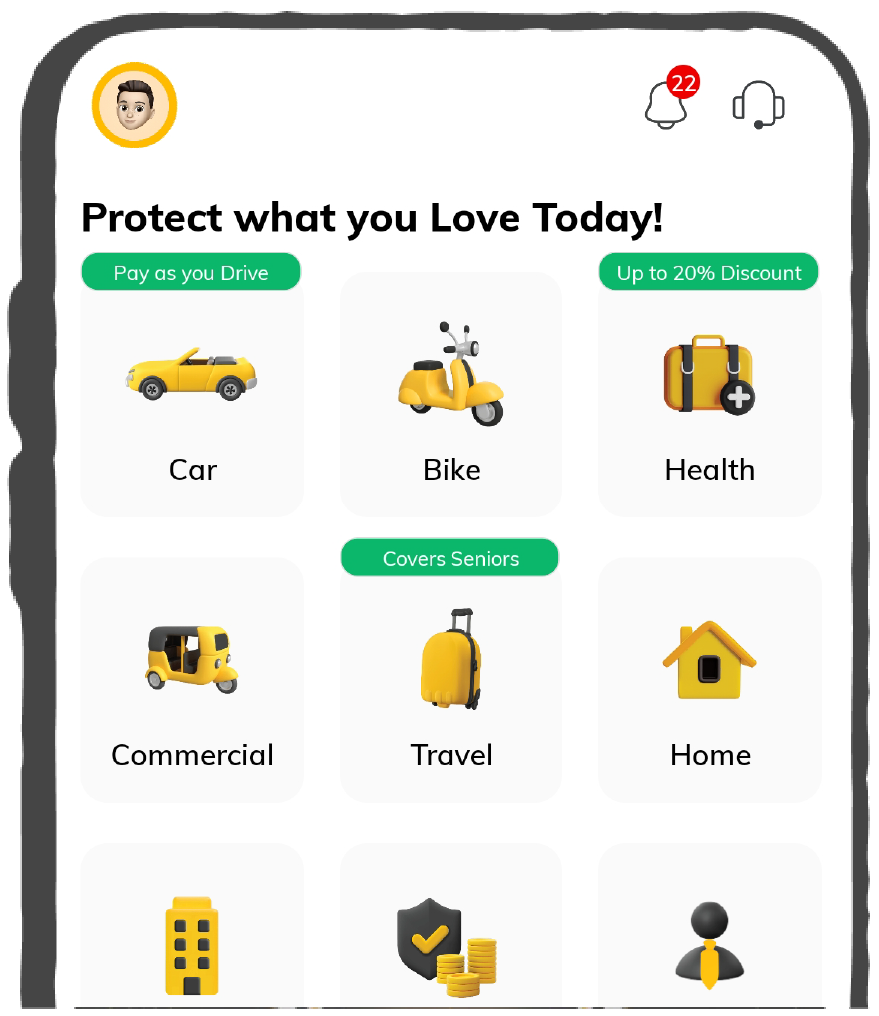
Simple & Transparent! Policies that match all your insurance needs.
 Car Insurance
 Two Wheeler Insurance
 Commercial Vehicle Insurance
 Health Insurance
 Home Insurance
 Travel Insurance
 Business Insurance
Car Insurance
Two Wheeler Insurance
Commercial Vehicle Insurance
Health Insurance
Travel Insurance
Business Insurance
Car Insurance
Two Wheeler Insurance
Commercial Vehicle Insurance
Health Insurance
Travel Insurance


Scan to download

Life

Life Products
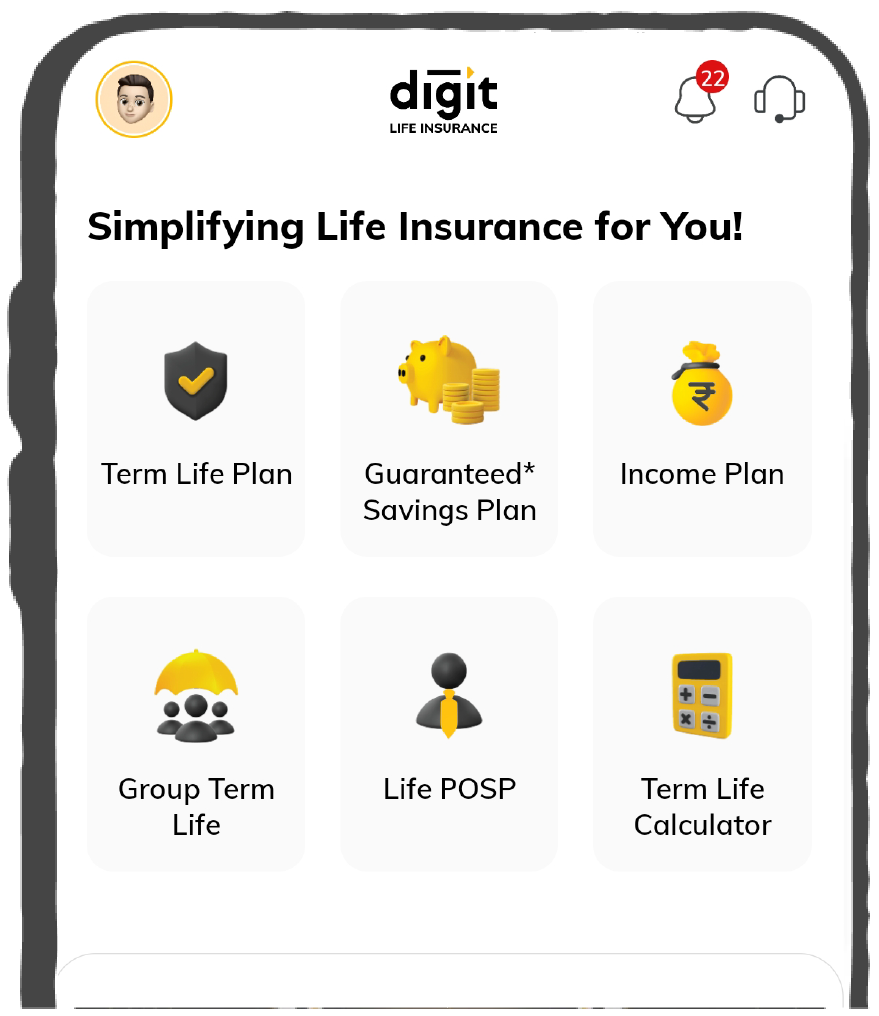
Digit Life is here! To help you save & secure your loved ones' future in the most simplified way.
 Term Life
 Savings Plan
 Retirement and Pension Plans
 Group Life Products
 Product Documents
Term Life
Savings Plan
Retirement and Pension Plans
Group Life Products
Product Documents
Term Life
Savings Plan
Retirement and Pension Plans
Group Life Products
Scan to download

Claims

Claims
We'll be there! Whenever and however you'll need us.
 Customer Support
 Motor Claims
Health Claims
Motor Claims
Health Claims
 Marine Insurance
 Grievance Redressal
Customer Support
Motor Claims
Health Claims
Marine Insurance
Grievance Redressal
Grievance Redressal
Customer Support
Motor Claims
Health Claims
Marine Insurance
Grievance Redressal
Scan to download
 General
 Life
General
Life
Life
General
Life
Renewals
Resources
Resources
All the more reasons to feel the Digit simplicity in your life!
Exclusive Features
 Transparency Report
Others
Exclusive Features
Transparency Report
Transparency Report
Others
Exclusive Features
Transparency Report
Scan to download


Our WhatsApp number cannot be used for calls. This is a chat only number.

 Grey Scale
 Readable Text
 Reset
Reset



DigiLocker Account is one of the best initiatives by the Government of India to create an extensive file locker system for storing and other documentation purposes. This service is available totally free-of-cost and linking the Aadhaar card with an account is pivotal for access to different services.
This piece throws light on how to link Aadhaar Card with DigiLocker Account and other crucial aspects to help people searching for a similar concern.
The process to link the Aadhaar with DigiLocker involves a few steps and linking a mobile number with the Aadhaar number. Read the step-by-step guidelines to know how to link an Aadhaar card with DigiLocker:
Step 1: Log in to a DigiLocker Account with the help of a password and user id or mobile number.
Step 2: Once the credentials are provided, a user will find a link to enter an Aadhaar number.
Step 3: Select an option “Link Now” to start with this linking procedure.
Step 4: An OTP will be sent to a registered mobile number. Provide an OTP in the required box to proceed to the next step.
Step 5: This step involves selecting a “Verify” option from the drop-down menu for successful linking of an Aadhaar card to a DigiLocker account.
It is important to understand that linking an Aadhaar card with a DigiLocker is possible only when the mobile number of a user is linked with an Aadhaar.
Downloading Aadhaar card details from a DigiLocker Account involves the following simple steps which include:
Step 1: First, login into the DigiLocker Account using your personal credential.
Step 2: Visit the issuance section, where a list of details about an Aadhaar card is present.
Step 3: Finally, click on the download option to access the digital Aadhaar card successfully.
Unfortunately, once you update your DigiLocker Account with an Aadhaar card, any kind of modification or change will not be possible.
Once the process of a DigiLocker profile link with the Aadhaar card undergoes completion, one cannot delete the same. This means that an Aadhaar card option available also cannot be deleted from this system. However, one can surely delete the list of uploaded documents from the respective accounts using the following steps:
Step 1: You will need to visit a DigiLocker Website to carry out this process.
Step 2: Log in to your DigiLocker account using your personal credentials.
Step 3: Select “Uploaded documents” present on this page.
Step 4: In this final step, choose from the list of uploaded documents that you need to delete and press ‘Delete’ to proceed.
There is a plethora of advantages of having an Aadhaar Card in a DigiLocker account that users can avail: