General
Life
Accessibility Options


General

General Products
Simple & Transparent! Policies that match all your insurance needs.
 Car Insurance
 Two Wheeler Insurance
 Commercial Vehicle Insurance
 Health Insurance
 Home Insurance
 Travel Insurance
 Business Insurance
Car Insurance
Two Wheeler Insurance
Commercial Vehicle Insurance
Health Insurance
Travel Insurance
Business Insurance
Car Insurance
Two Wheeler Insurance
Commercial Vehicle Insurance
Health Insurance
Travel Insurance



Scan to download

Life

Life Products
Digit Life is here! To help you save & secure your loved ones' future in the most simplified way.
 Term Life
 Savings Plan
 Retirement and Pension Plans
 Group Life Products
 Product Documents
Term Life
Savings Plan
Retirement and Pension Plans
Group Life Products
Product Documents
Term Life
Savings Plan
Retirement and Pension Plans
Group Life Products

Scan to download

Claims

Claims
We'll be there! Whenever and however you'll need us.
 Customer Support
 Motor Claims
Health Claims
Motor Claims
Health Claims
 Marine Insurance
 Grievance Redressal
Customer Support
Motor Claims
Health Claims
Marine Insurance
Grievance Redressal
Grievance Redressal
Customer Support
Motor Claims
Health Claims
Marine Insurance
Grievance Redressal
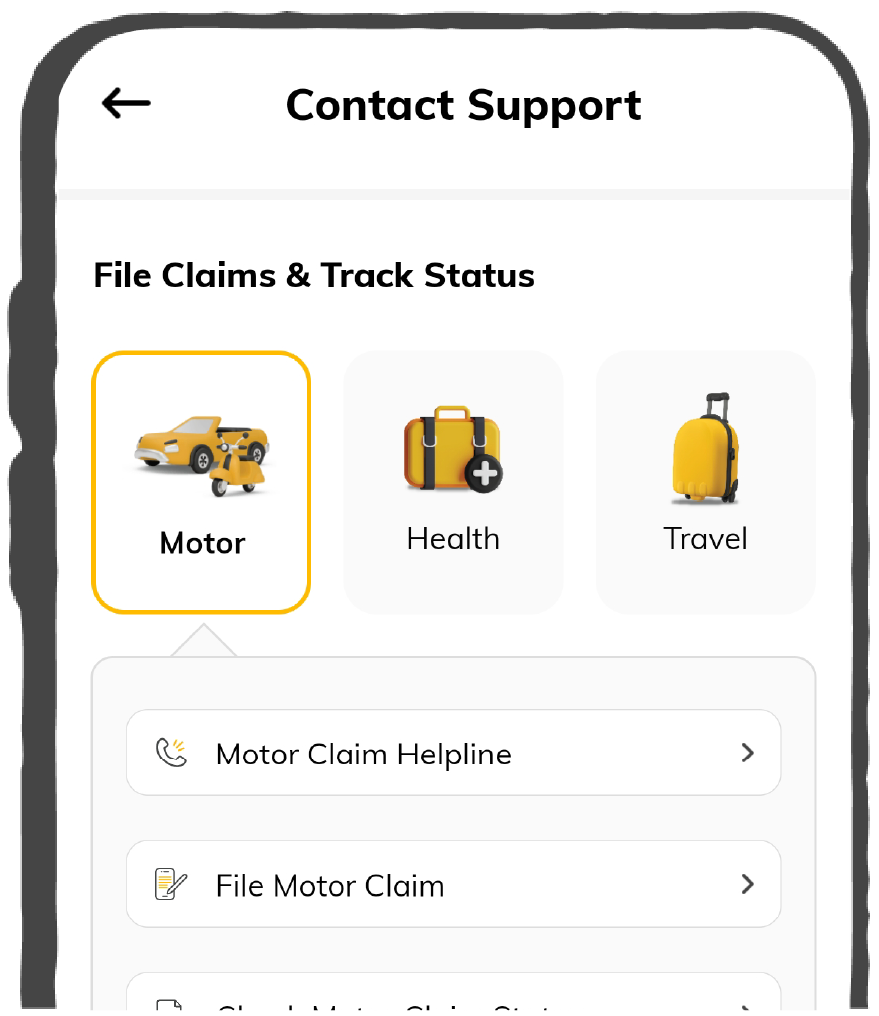
Scan to download
 General
 Life
General
Life
Life
General
Life
Renewals
Resources

Resources
All the more reasons to feel the Digit simplicity in your life!
Exclusive Features
 Transparency Report
Others
Exclusive Features
Transparency Report
Transparency Report
Others
Exclusive Features
Transparency Report
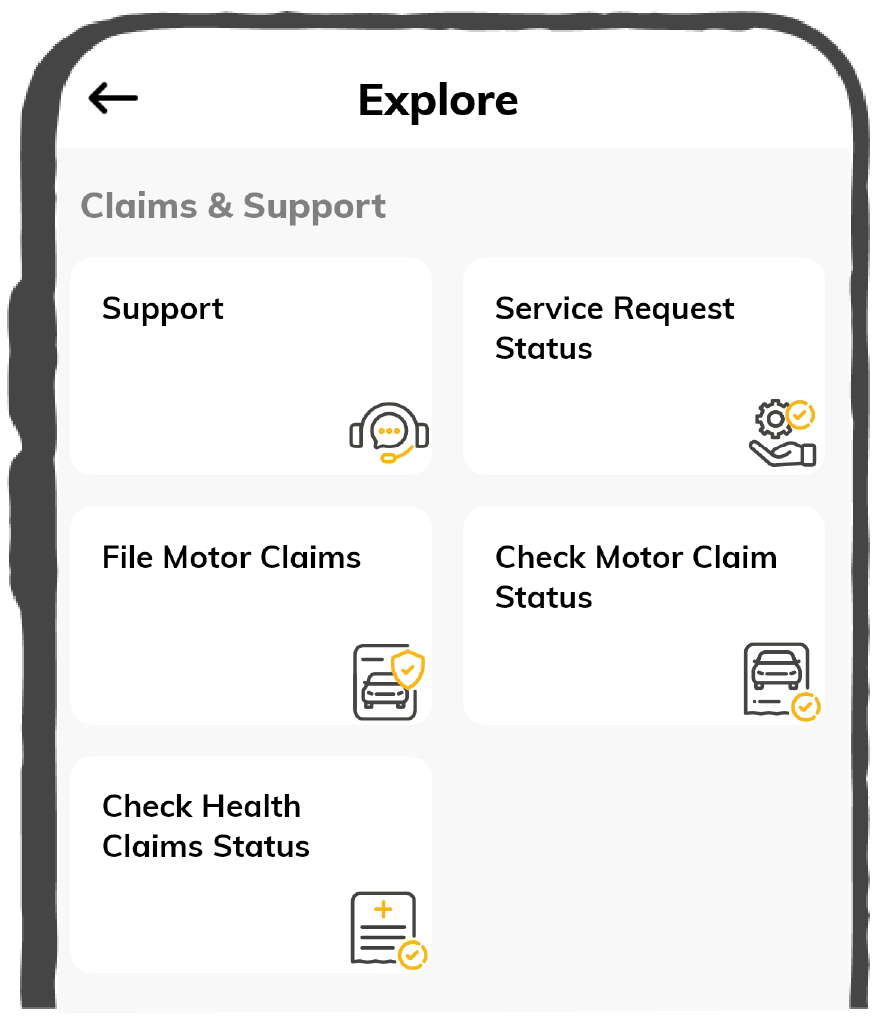
Scan to download


Our WhatsApp number cannot be used for calls. This is a chat only number.

 Grey Scale
 Readable Text
 Reset
Reset





| Item | Quanity | Rate | Amount |
|---|---|---|---|
|
₹

|
₹
|
||
Sub Total:
Tax:

Discount:
Shipping:
Total:
Amount Paid:
Balance Due:

|
Edit Invoice
Currency

Creating and managing invoices can be time-consuming, especially for small businesses and freelancers who juggle multiple tasks daily. An invoice generator is a smart solution that simplifies this process by allowing you to create professional, accurate invoices in just a few clicks.
With an online invoice generator, you can eliminate the need for manual paperwork, helping you save time and reduce errors. Whether you’re handling multiple clients or running a growing business, using an invoice generator ensures your invoicing process is smooth, reliable, and hassle-free.
An invoice generator or invoice maker is an online tool that helps businesses, freelancers, and professionals create invoices quickly and accurately. Instead of manually drafting invoices, which can be time-consuming and prone to errors, an invoice generator automates the process.
It allows you to enter essential details such as client information, services or products provided, payment terms, and total amount due. Once the data is entered, the tool instantly generates a professional invoice that can be downloaded or shared with clients.
Managing invoices can be time-consuming and prone to errors. A free online invoice generator helps to minimise. Here’s why you should consider using one:
Creating an invoice with a Digit Invoice Generator is quick and hassle-free. Follow these simple steps to get started:

Step 1
Fill in your business logo, name, address, date, contact information, client details and any additional details you want to appear on the invoice.
Step 2
List all the products or services, along with quantity, price, and applicable taxes. The tool automatically calculates totals for you.
Step 3
Review the details and generate the invoice. You can also edit and download it to share with your clients.
Sending an invoice correctly is just as important as creating one. A clear and timely invoice ensures faster payments and builds trust with clients. Here’s how you can do it:

Step 1
Download your invoice in a professional format like PDF. This ensures the layout remains intact and looks polished when shared.
Step 2
Attach the PDF to an email and include a short, polite message mentioning the due date and payment instructions.
Step 3
Always follow up to confirm that the client has received the invoice. This prevents delays and keeps communication transparent.
A well-structured invoice ensures clarity, professionalism, and faster payments. Missing key details can lead to confusion or delays. Here are the essential elements every invoice should include:
Online invoice generators make it easy to create different types of invoices based on your business needs. Here are the most common types you can create through an online bill generator:
Yes, in India a digital invoice is legally valid if it meets jurisdictional standards and retains authenticity. Here are some key legal aspects and requirements of an invoice:
Online bill makers are a convenient tool to use, but there are other ways to create and manage invoices. Here are the most common alternatives:
An invoice generator is a powerful tool that saves time, reduces errors, and ensures professionalism in every transaction. Whether you’re a freelancer, small business owner, or managing multiple clients, using an online invoice generator simplifies billing and helps you get paid faster.
Start using an invoice generator today and experience a smoother, more efficient way to manage your finances.