General
Life
Accessibility Options


General
General Products
Simple & Transparent! Policies that match all your insurance needs.
 Car Insurance
 Two Wheeler Insurance
 Commercial Vehicle Insurance
 Health Insurance
 Home Insurance
 Travel Insurance
 Business Insurance
Car Insurance
Two Wheeler Insurance
Commercial Vehicle Insurance
Health Insurance
Travel Insurance
Business Insurance
Car Insurance
Two Wheeler Insurance
Commercial Vehicle Insurance
Health Insurance
Travel Insurance


Scan to download
Life

Life Products
Digit Life is here! To help you save & secure your loved ones' future in the most simplified way.
 Term Life
 Savings Plan
 Retirement and Pension Plans
 Group Life Products
 Product Documents
Term Life
Savings Plan
Retirement and Pension Plans
Group Life Products
Product Documents
Term Life
Savings Plan
Retirement and Pension Plans
Group Life Products
Scan to download
Claims
Claims
We'll be there! Whenever and however you'll need us.
 Customer Support
 Motor Claims
Health Claims
Motor Claims
Health Claims
 Marine Insurance
 Grievance Redressal
Customer Support
Motor Claims
Health Claims
Marine Insurance
Grievance Redressal
Grievance Redressal
Customer Support
Motor Claims
Health Claims
Marine Insurance
Grievance Redressal
Scan to download
 General
 Life
General
Life
Life
General
Life
Renewals
Resources
Resources
All the more reasons to feel the Digit simplicity in your life!
Exclusive Features
 Transparency Report
Others
Exclusive Features
Transparency Report
Transparency Report
Others
Exclusive Features
Transparency Report
Scan to download


Our WhatsApp number cannot be used for calls. This is a chat only number.

 Grey Scale
 Readable Text
 Reset
Reset



10000+
Cashless Garages
1600 Crore+
Paid-in Claims

7 Crore+
Policies Sold
I agree to the Terms & Conditions

Buy Online for Huge Savings

Check Price
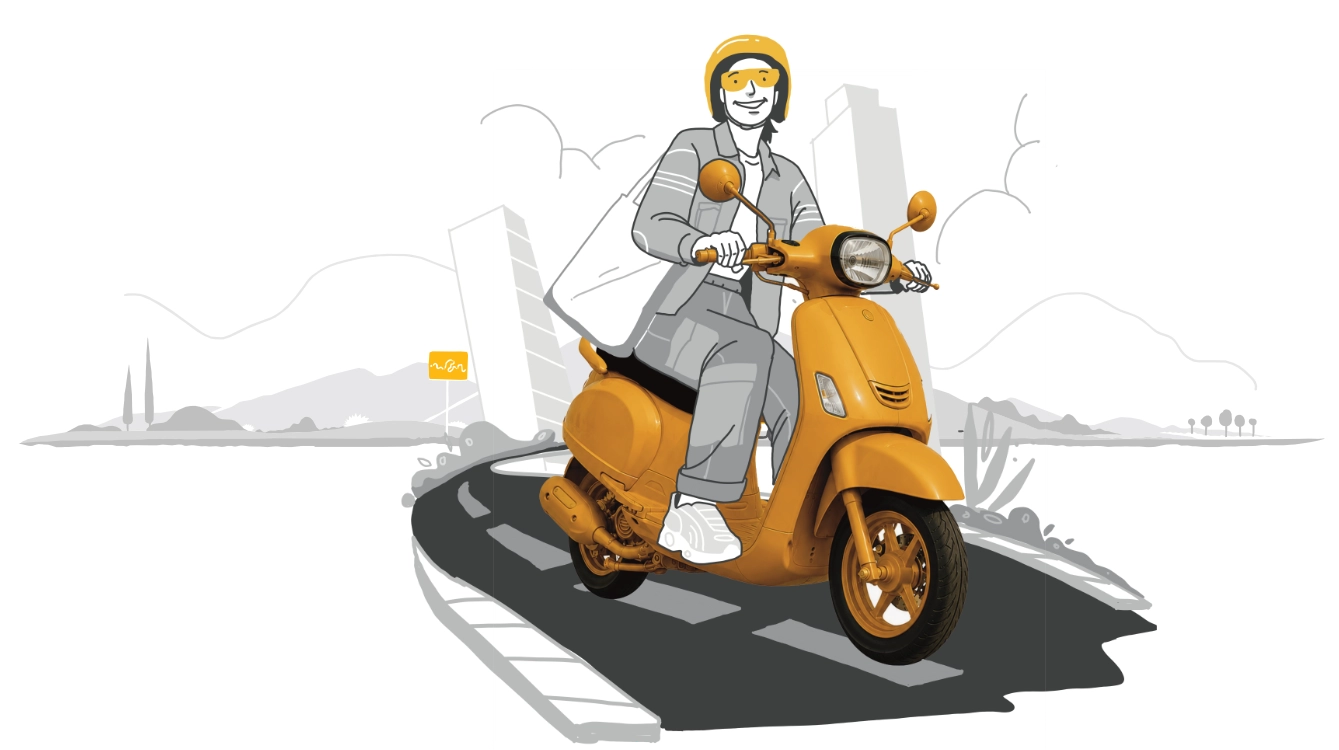
Bike insurance Online, starting ₹752
10000+
Cashless Garages
1600 Crore+
Paid-in Claims
7 Crore+
Policies Sold
Your Digit TVS Ntorq insurance not only comes with a super-easy claim process, but also with the option to choose a cashless settlement

Cashless Repairs
10,000+ Cashless Network Garages for you to choose from across India

Smartphone-Enabled Self Inspection
Quick and paperless claims through Smartphone enabled processes that make you go "That's it?"

Super-Fast Claims
Quick and hassle-free claim process that's digital and paperless

Customize Your Vehicle IDV
With us, you can customize your vehicle IDV as per your choice!

24*7 Support
24*7 call facility even on National Holidays
Complimentary Wellness Benefits
Get exclusive wellness benefits on the Digit App offered by top-rated health and wellness partners.
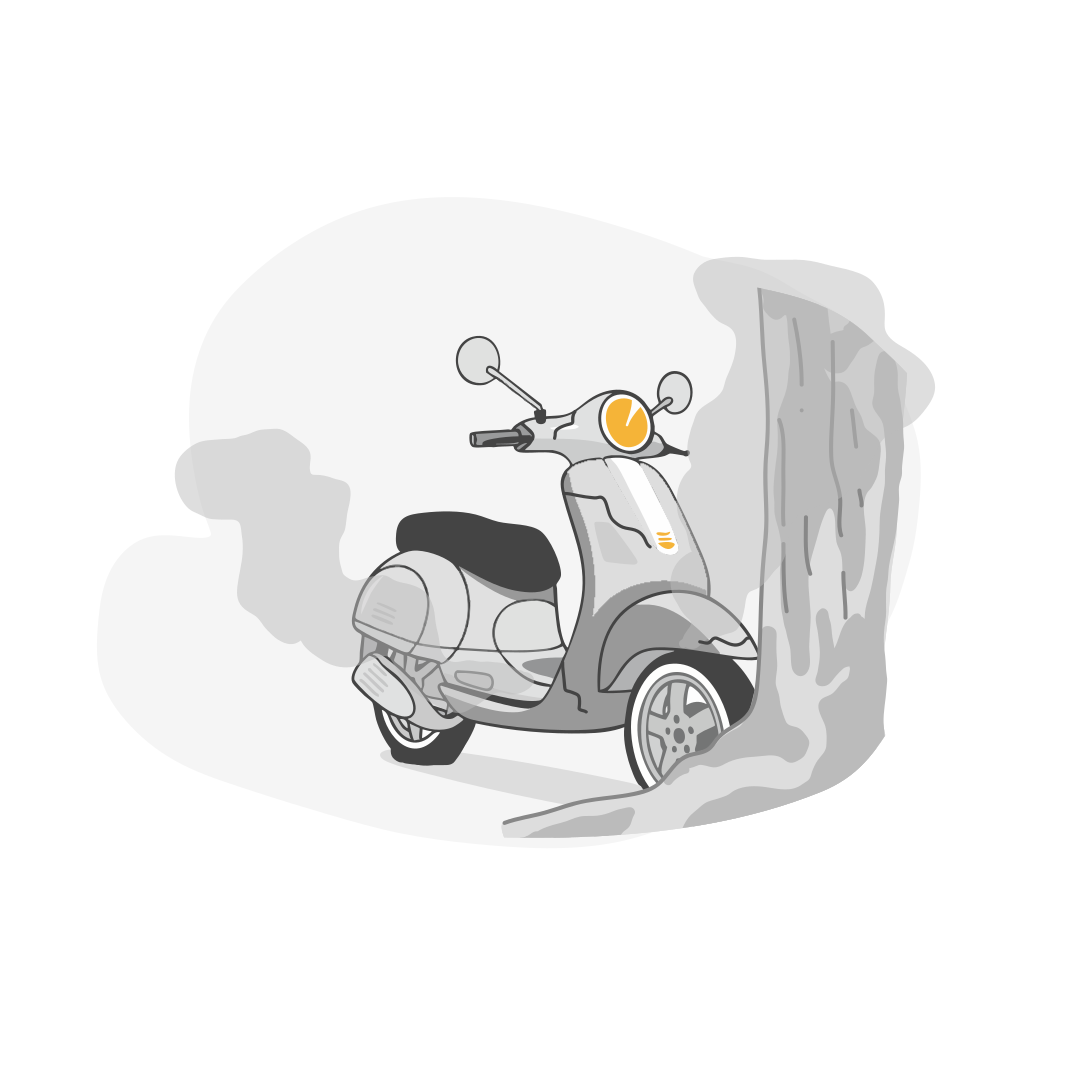
Accidents
Common damages faced during accidents
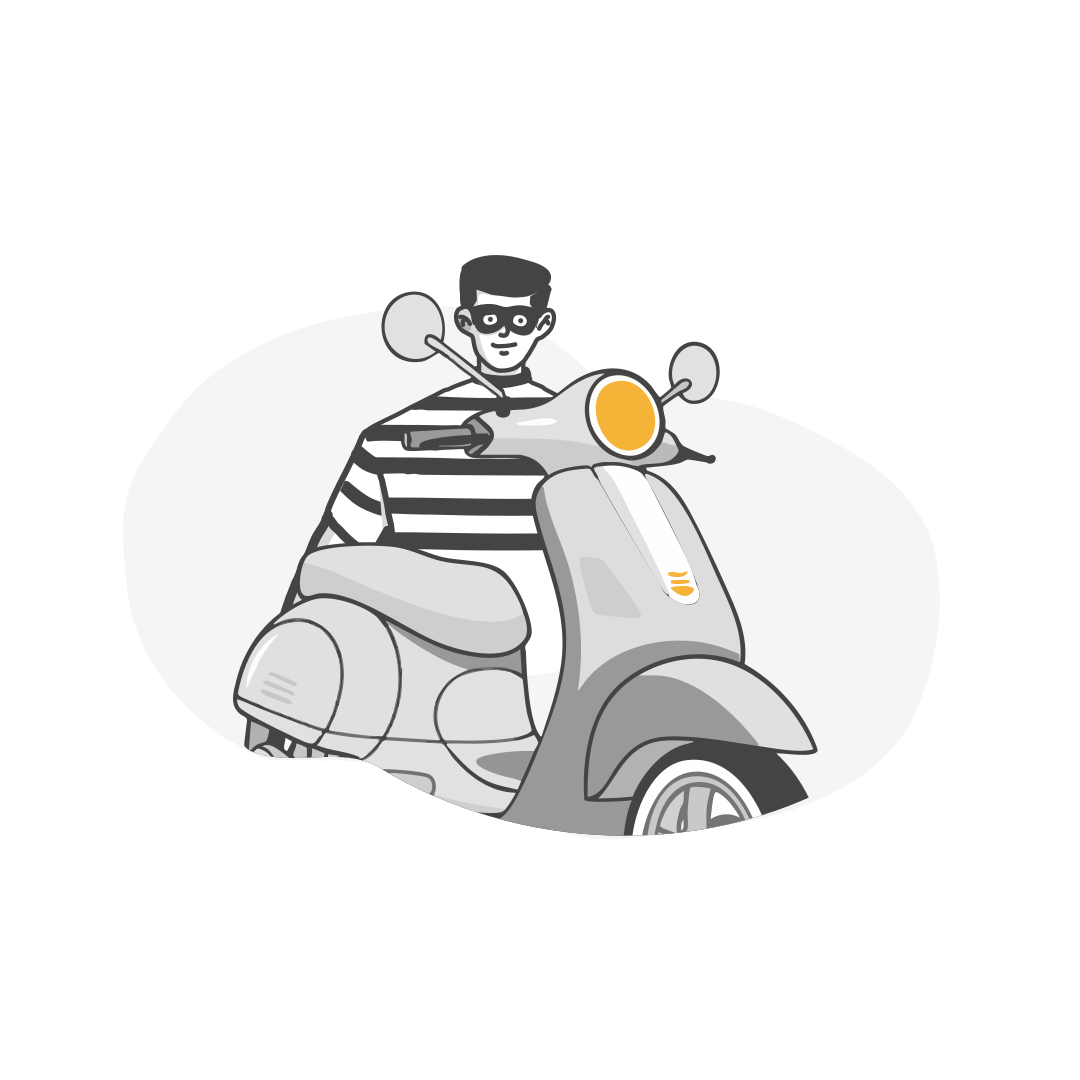
Theft
In case your honda activa is unfortunately stolen
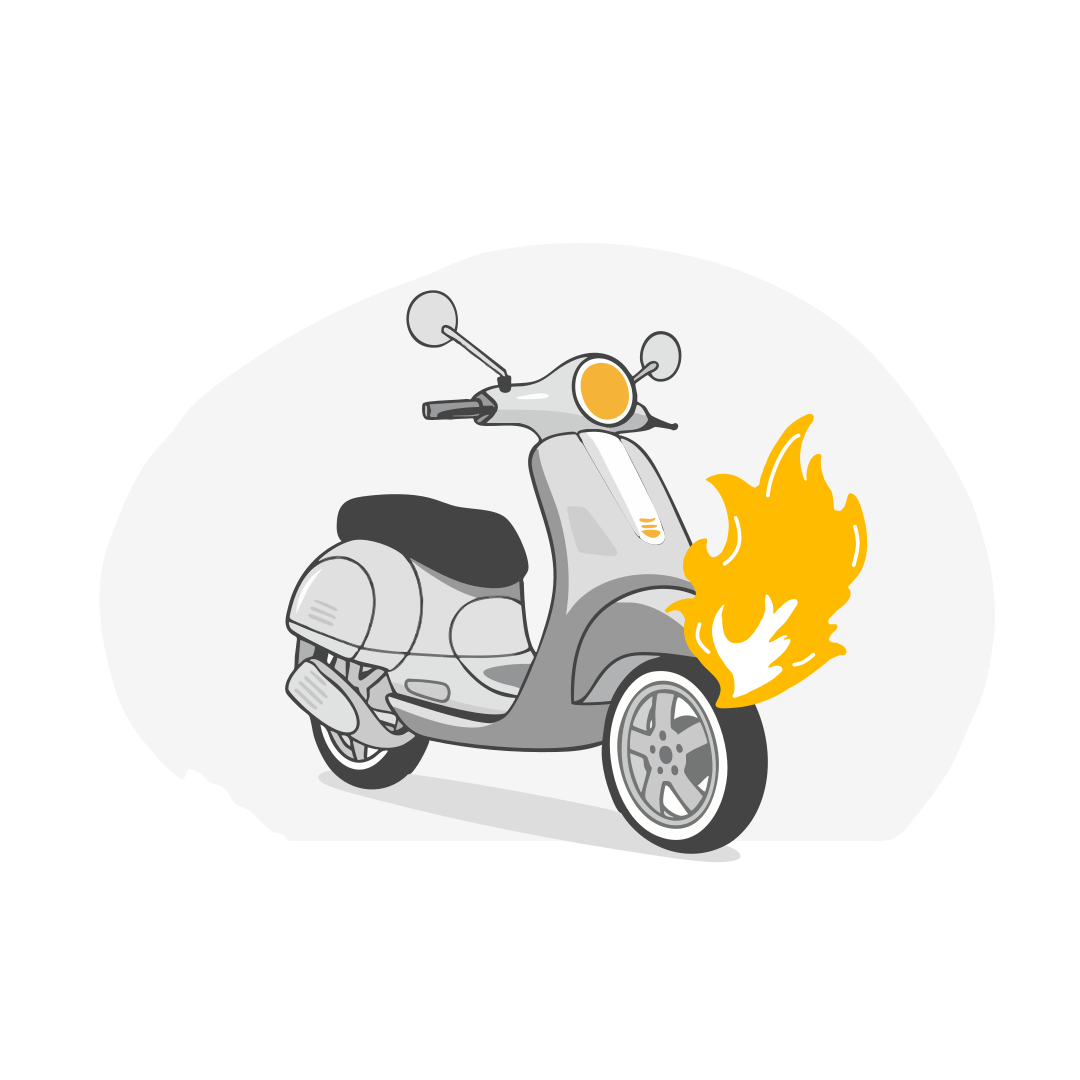
Fire
Common damages faced due to a fire
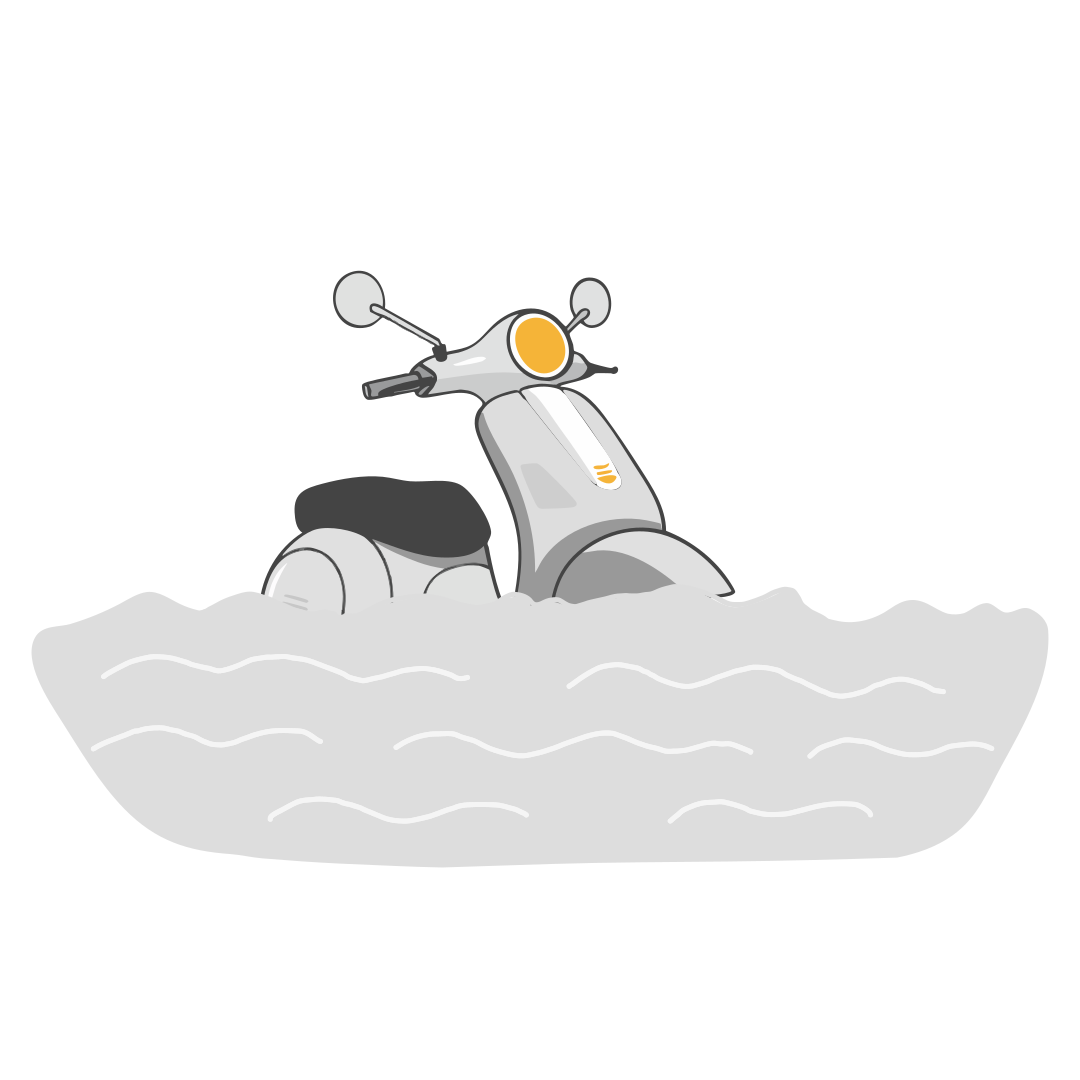
Natural Disasters
Damages caused due to nature’s many furies
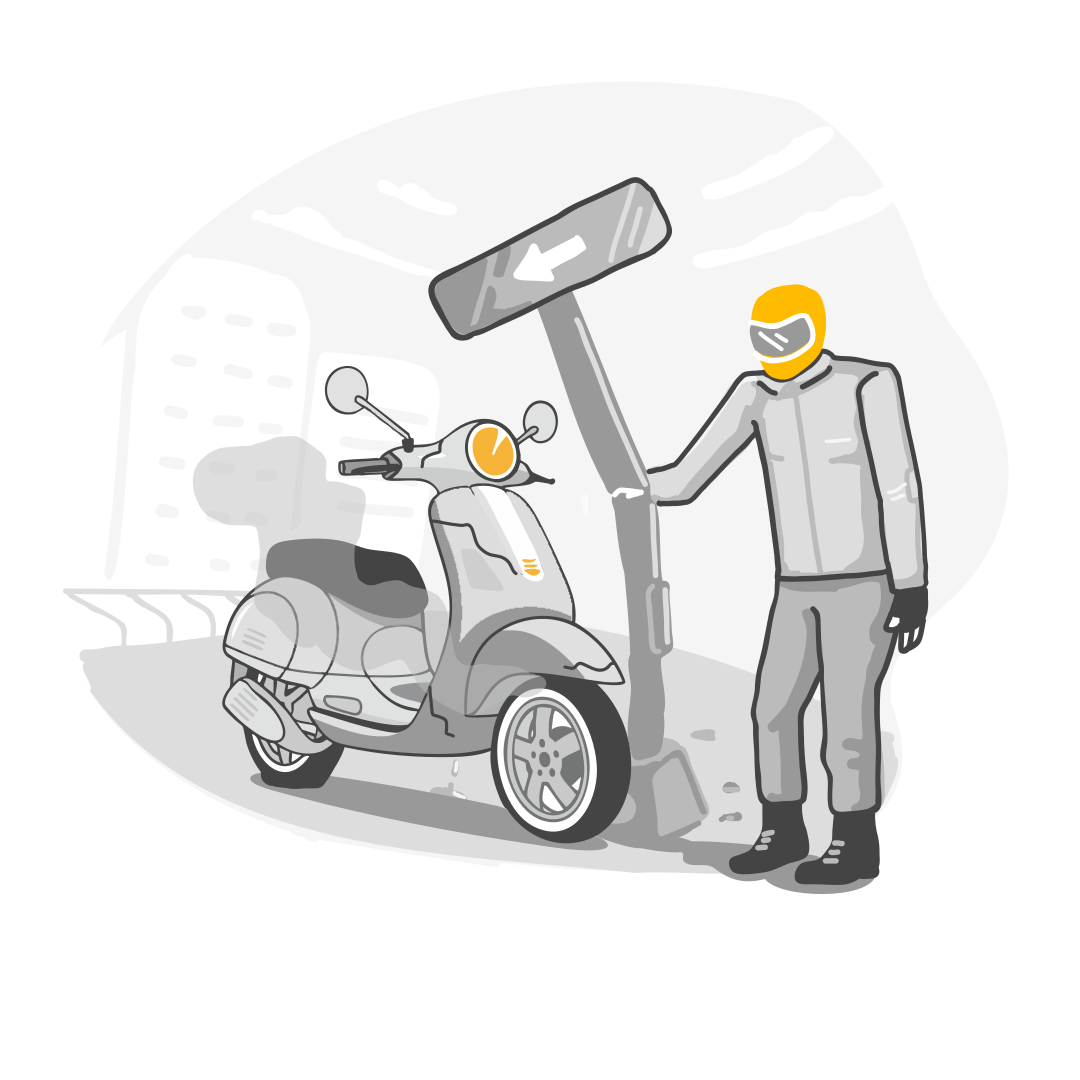
Personal Accident
For times when you’ve hurt yourself too bad
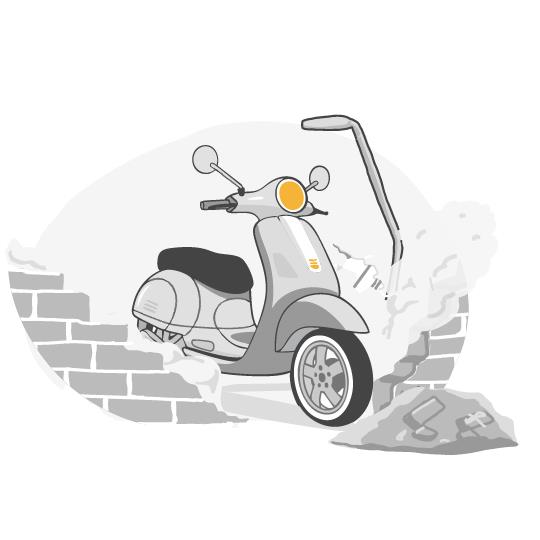
Third-Party Losses
When someone or something gets hurt for your scooter's actions
It is equally important to know what’s not covered in your digit honda activa insurance policy, so that there are no surprises when you make a claim. Here are some such situations:

Own Damages for Third-Party Policy holder
In the case of a Third-Party or Liability Only Bike Policy, damages to own vehicle won’t be covered.

Drunk Riding or without a Licence
Your honda activa insurance won’t cover for you in situations where you were riding drunk or without a valid two-wheeler licence.

Add-Ons Not Bought
Some situations are covered in add-ons. If you haven’t bought those add-ons, the corresponding situations will not be covered.

Contributory Negligences
Any contributory negligence(e.g. damage due to driving a two-wheeler in a flood, which is not recommended as per the manufacturer’s driving manual, will not be covered)

Consequential Damages
Any damage which is not a direct result of the accident (e.g. after an accident, if the damaged two-wheeler is being used incorrectly and the engine gets damaged, it is considered as consequential damage and it will not be covered)

Driving without a valid Driving Licence Holder
If you hold a learner’s licence and were riding your two-wheeler without a valid licence-holder on the pillion seat- then your claim in those situations won’t be covered.

Third Party

Comprehensive

Standalone Own Damage Plan
Third Party
Comprehensive
Own Damage
|
Damages/Losses to own two-wheeler due to an accident |
×
|
✔
|
✔
|
|
Damages/Losses to own two-wheeler in case of fire |
×
|
✔
|
✔
|
|
Damages/Losses to own two-wheeler in case of a natural calamity |
×
|
✔
|
✔
|
|
Damages to Third-Party Vehicle |
✔
|
✔
|
×
|
|
Damages to Third-Party Property |
✔
|
✔
|
×
|
|
Personal Accident Cover |
✔
|
✔
|
×
|
|
Injuries/Death of a Third-Party Person |
✔
|
✔
|
×
|
|
Theft of your scooter or bike |
×
|
✔
|
✔
|
|
Customize your IDV |
×
|
✔
|
✔
|
|
Extra protection with customized add-ons |
×
|
✔
|
✔
|
Know more about the difference between comprehensive and third party two wheeler insurance
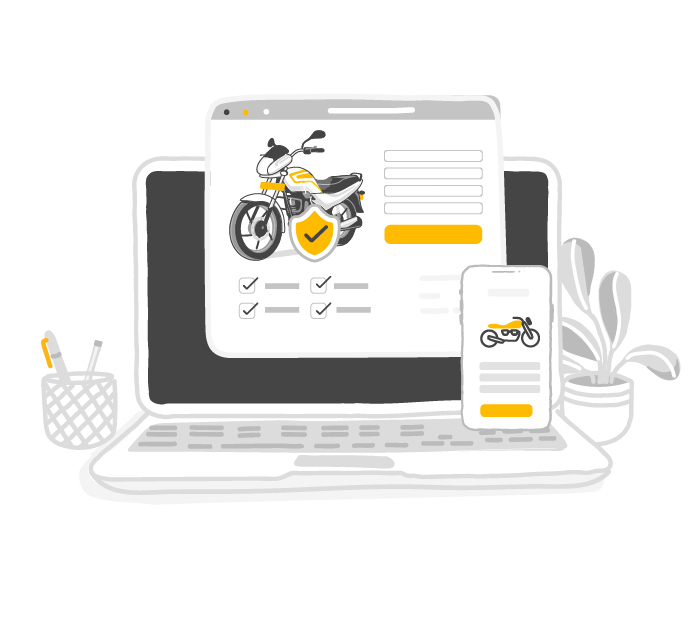
Enter Bike Details
On the Digit App or website, enter bike’s registration number and select the policy status.
Choose a Plan
Select the type of bike insurance plan and choose desired add-ons.
Enter Personal Details
Enter your personal, nominee and vehicle details, and move to the next step.
Make Payment
Complete the payment and mandatory KYC verification process.
That's It!
You’ll receive the policy document via email, SMS and WhatsApp. Also, you can access it 24X7 on the Digit App.
To buy Digit's honda activa insurance online, a load of paperwork is not required. Furnish only the following documents to buy a new two-wheeler insurance policy within minutes:

Registration Certificate

Previous Year Insurance Policy
A Previous Year Insurance Policy refers to the two-wheeler insurance coverage you had for the previous policy term, typically valid for one year. It includes details like:

Documents for KYC Verification
After purchasing a two-wheeler insurance policy, it is essential to download and keep a copy for future reference. With us, you do not need to carry hard copies of your insurance policy. You can simply download it from our app. 🙂 Follow these simple steps to download your policy document from the Digit website or app:

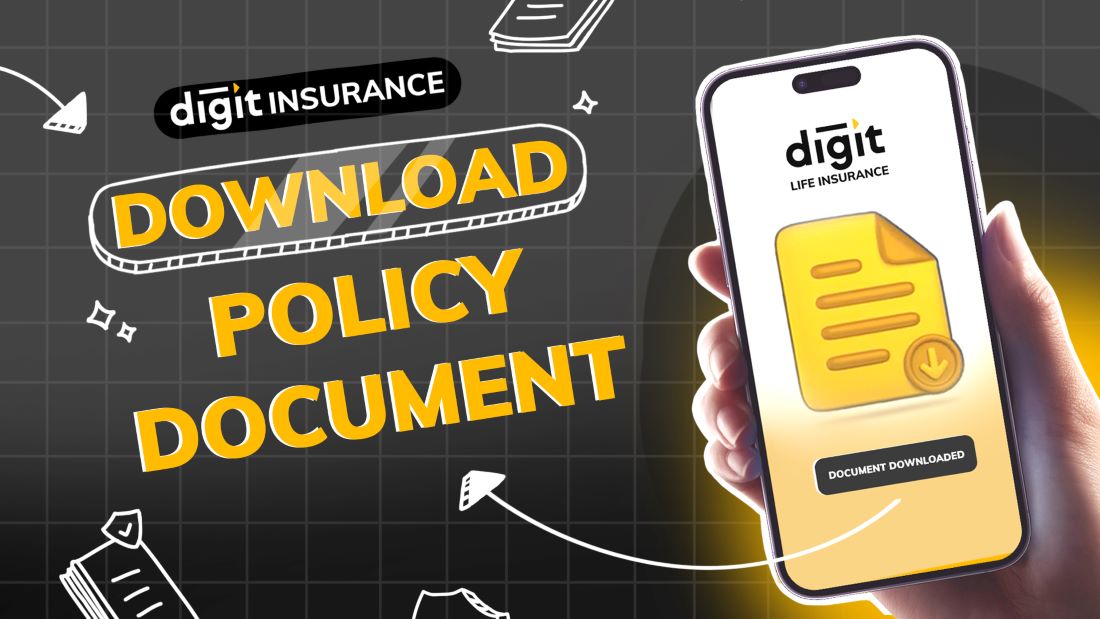
Login Your Account
Visit the Digit website or app and click on ‘Login’ at the top-right corner. Enter your registered mobile number and verify with OTP.
Visit ‘Active Policies’
Once logged in, navigate to the Active/My Policies section. Here, you can check the policy number, end date & start date.
Download the Policy
Done! You can save, share, print or email the policy for future reference anytime, anywhere.
Login
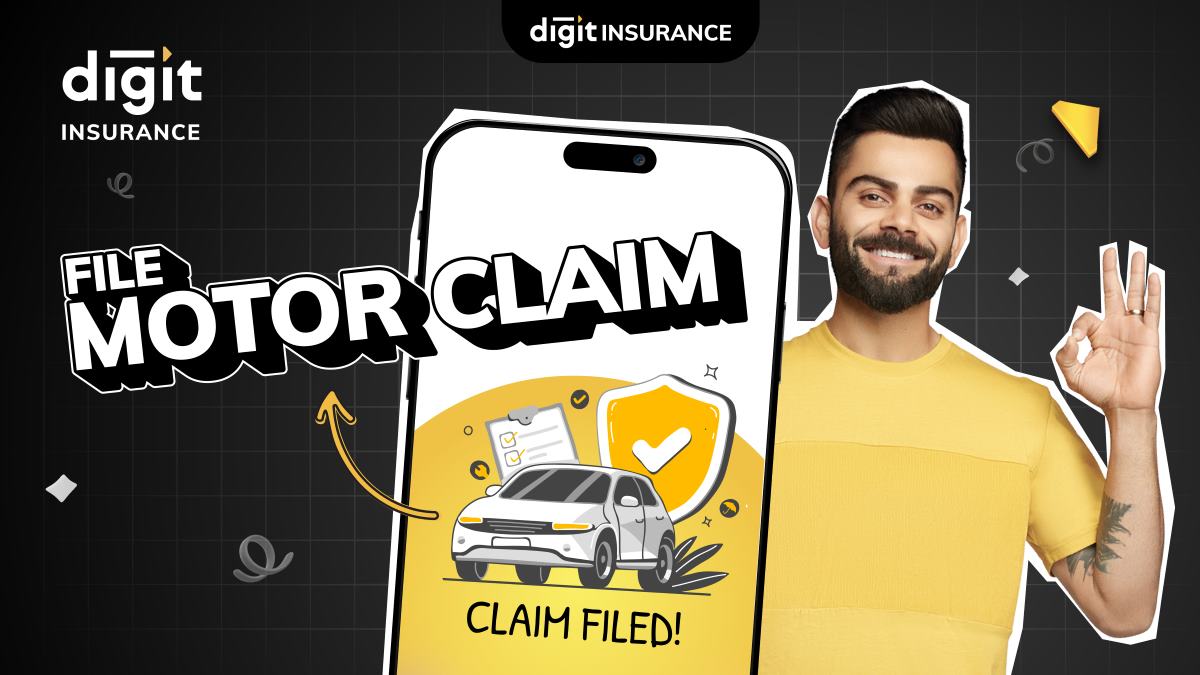
Open the Digit App and go to the "File Motor Claim" option. Login and you'll be directed to the "File Motor Claim" page. Click on the policy card to start claim filing.
Provide Details
Fill in all the details related to the accident and damage to the bike.
Enter Personal Details
Update your personal details and that's it, your claim is successfully filed, and you will receive the next steps on your email & WhatsApp.
Protect What Matters - Explore Other Insurance Options