General
Life
Accessibility Options


General
General Products
Simple & Transparent! Policies that match all your insurance needs.
 Car Insurance
 Two Wheeler Insurance
 Commercial Vehicle Insurance
 Health Insurance
 Home Insurance
 Travel Insurance
 Business Insurance
Car Insurance
Two Wheeler Insurance
Commercial Vehicle Insurance
Health Insurance
Travel Insurance
Business Insurance
Car Insurance
Two Wheeler Insurance
Commercial Vehicle Insurance
Health Insurance
Travel Insurance


Scan to download
Life

Life Products
Digit Life is here! To help you save & secure your loved ones' future in the most simplified way.
 Term Life
 Savings Plan
 Retirement and Pension Plans
 Group Life Products
 Product Documents
Term Life
Savings Plan
Retirement and Pension Plans
Group Life Products
Product Documents
Term Life
Savings Plan
Retirement and Pension Plans
Group Life Products
Scan to download
Claims
Claims
We'll be there! Whenever and however you'll need us.
 Customer Support
 Motor Claims
Health Claims
Motor Claims
Health Claims
 Marine Insurance
 Grievance Redressal
Customer Support
Motor Claims
Health Claims
Marine Insurance
Grievance Redressal
Grievance Redressal
Customer Support
Motor Claims
Health Claims
Marine Insurance
Grievance Redressal
Scan to download
 General
 Life
General
Life
Life
General
Life
Renewals
Resources
Resources
All the more reasons to feel the Digit simplicity in your life!
Exclusive Features
 Transparency Report
Others
Exclusive Features
Transparency Report
Transparency Report
Others
Exclusive Features
Transparency Report
Scan to download


Our WhatsApp number cannot be used for calls. This is a chat only number.

 Grey Scale
 Readable Text
 Reset
Reset




10000+ Cashless Garages
1.5 Cr+ Policies Sold


Check Price

Car insurance Online, Up to 90% Discount
It's a Brand New Car
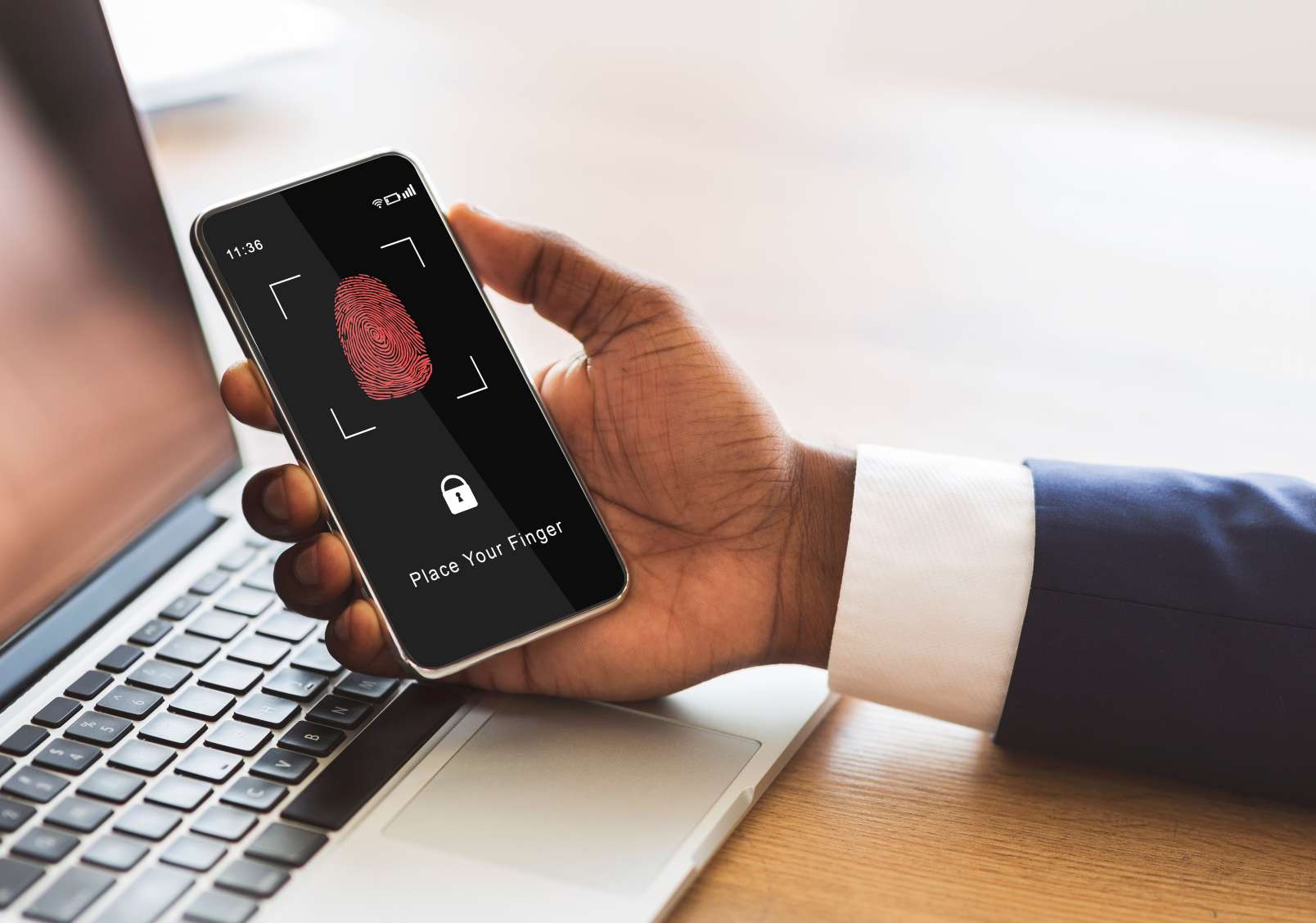
India has experienced significant leaps and strides in technology. The development of DigiLocker is one of them. It has also carried substantial changes in almost all aspects of handling documents that belong to one's vehicle, making it typical for these papers to be stored digitally.
The progress is in line with efforts from the government to build infrastructure with better technology. This article will discuss how to store your car documents in DigiLocker and the benefits of doing so.

Table of Contents

The government of India has launched the DigiLocker digital platform as part of its Digital India initiative. It allows any Indian citizen to keep certified government documents in an electronic format and make them accessible to share and verify using authentication from the government organisation that created them.
DigiLocker is the first national digital locker system that aims to minimise paperwork. Data in the system comes through a direct connection with databases used by government offices. This helps provide genuine data with zero error.
This has made the process easier and more efficient, as all transactions are now conducted electronically. Adding advanced encryption to these documents with a user authentication layer provides a secure and controlled way of managing them.
DigiLocker is the best way to manage all your essential documents in this digital age, as it has been designed to handle all its aspects. Here are the various benefits of storing your documents in DigiLocker:
DigiLocker utilises robust encryption and multi-factor authentication systems to ensure that your documents are protected. Development ensures that the information is sensitive and will be accessed by only authorised persons.
It provides data for all documents, allowing them to be downloaded whenever needed. It can be accessed from anywhere, at any time, through your mobile phone or computer.
Storing documents electronically is a great way of reducing paper consumption. Besides being eco-friendly, it helps our environment by simplifying operations.
The documents are valid and granted acceptance by the competent authority for various purposes through DigiLocker. They become equivalent in legal terms to the actual government-issued hard copies.
DigiLocker is a free service for all Indian citizens. It is transforming availability into a tool of utmost significance. This makes it accessible to everyone without incurring any cost.
DigiLocker provides enhanced security measures for storing the Registration Certificate (RC) and other vehicle documents with ease. There are specific initial steps to be followed. Here is the detailed step-by-step procedure:
Download the DigiLocker app from the Play Store/App Store. Set up an account with your aadhaar or mobile number. The OTP will be sent to your registered mobile number. You will receive an acknowledgement text.
You must link your DigiLocker account to your Aadhaar by combining your DigiLocker account authentication with government-issued documents. This process will ensure that the documents are verified.
Visit the Issued Document section. Search for the Ministry of Road Transport and Highways (MoRTH). Choose the type of vehicle-related documents.
Enter the RC number and other relevant vehicle details. The data will be stored directly in the government database.
Your RC is now stored in DigiLocker. It is now under security and shall be protected from digital threats. You can access it anytime and anywhere from now on.
With DigiLocker, you can store all your documents in one secure location. Below is a table outlining some of the main documents you can upload or fetch from it:
Using DigiLocker is generally straightforward. However, a user may encounter difficulties accessing or using documents in one way or another. Here are some of the errors, accompanied by some possible troubleshooting suggestions:
Yes, indeed, DigiLocker is a secure platform to store all your car-related documents, such as the original RC and insurance policy. It is a government initiative under Digital India that secures the platform with advanced technologies. It includes a 256-bit key. Your precious documents are protected against unauthorised access.
DigiLocker brings in official repositories. Any documents required can be obtained with assurance of their genuineness and legal validity. Above all, the apparent advantages that users would gain include one of the most significant benefits: it reduces the risk of losing original copies. It provides 24/7 quick access to all the data.
Emergencies are unexpected and require immediate attention. They can otherwise lead to unbearable circumstances. There is increased access to essential documents. DigiLocker plays a crucial role in emergencies. Here are a few advantages:
DigiLocker provides fast access to essential documents. They include vehicle RC and identification during emergencies. This means avoiding any unexpected stoppage for verifications needing a quick response.
In the circumstances without physical originals owing to either misplacement or destruction, you can get constant access to DigiLocker. This is easy when a person is travelling or during seasons like natural exigencies.
The digital copies saved in DigiLocker are considered legal documents. They will ease any unwanted encounters with the authorities on the road or regarding any pending legal proceedings.
Access to ID proofs and health records can be life-saving and instantaneous in medical or travel emergencies through DigiLocker. This helps keep proof of identity within a finger touch.
With DigiLocker, you can securely share documents via links or QR codes. It has made it easier to furnish documents when most needed. It is a feature that can be employed to secure all documents.
Being available always means it doesn't matter if you are at home or outside. Portable gadgets, such as smartphones and computers, make it very convenient to store documents on-site.