General
Life
Accessibility Options


General

General Products
Simple & Transparent! Policies that match all your insurance needs.
 Car Insurance
 Two Wheeler Insurance
 Commercial Vehicle Insurance
 Health Insurance
 Home Insurance
 Travel Insurance
 Business Insurance
Car Insurance
Two Wheeler Insurance
Commercial Vehicle Insurance
Health Insurance
Travel Insurance
Business Insurance
Car Insurance
Two Wheeler Insurance
Commercial Vehicle Insurance
Health Insurance
Travel Insurance



Scan to download
Life

Life Products
Digit Life is here! To help you save & secure your loved ones' future in the most simplified way.
 Term Life
 Savings Plan
 Retirement and Pension Plans
 Group Life Products
 Product Documents
Term Life
Savings Plan
Group Life Products
Product Documents
Term Life
Savings Plan
Group Life Products

Scan to download

Claims

Claims
We'll be there! Whenever and however you'll need us.
 Customer Support
 Motor Claims
Health Claims
Motor Claims
Health Claims
 Marine Insurance
 Grievance Redressal
Customer Support
Motor Claims
Health Claims
Marine Insurance
Grievance Redressal
Grievance Redressal
Customer Support
Motor Claims
Health Claims
Marine Insurance
Grievance Redressal
Scan to download
 General
 Life
General
Life
Life
General
Life
Renewals
Resources

Resources
All the more reasons to feel the Digit simplicity in your life!
Exclusive Features
 Transparency Report
Others
Exclusive Features
Transparency Report
Transparency Report
Others
Exclusive Features
Transparency Report
Scan to download


Our WhatsApp number cannot be used for calls. This is a chat only number.

 Grey Scale
 Readable Text
 Reset
Reset




Post Office PSK Saharsa |
|
|---|---|
| Address | Head Post Office, Near Thana Chowk, Saharsa, Bihar - 852202 |
| Contact number | 06477 251 072 |
| Fax | NA |
| Working Days | Monday to Friday |
| Appointment Timing | 9:00 AM to 5:00 PM |
| ATM | Operational |
| Regional Passport Officer | Shri G.C.Das |
| Officer Contact number | 0612-2223267 |
| Officer Fax No. | 0612-2227972 |
| Officer Contact Email | rpo.patna@mea.gov.in |
Shri A.K.Amar
Grievance Cell Officer Contact No.
0612-2223267
Public Grievance Cell Officer Name
Shri Bal Krishan
Telephone number
91-11-23384497
Fax number
91-11-23384461
Email address
passport.pg@mea.gov.in
Public Grievance Cell Address
Public Grievance Officer PSP Division, Ministry of External Affairs Room No. 24, Patiala House Tilak Marg, New Delhi - 110001
Saharsa is a city located in the northeastern state of Bihar, India. It is situated on the banks of the Kosi River. The city is well-connected to other major cities in Bihar through a network of roads and railways. Saharsa has a unique charm, with its beautiful temples, mosques, and other religious sites, as well as its lively markets and local cuisine.
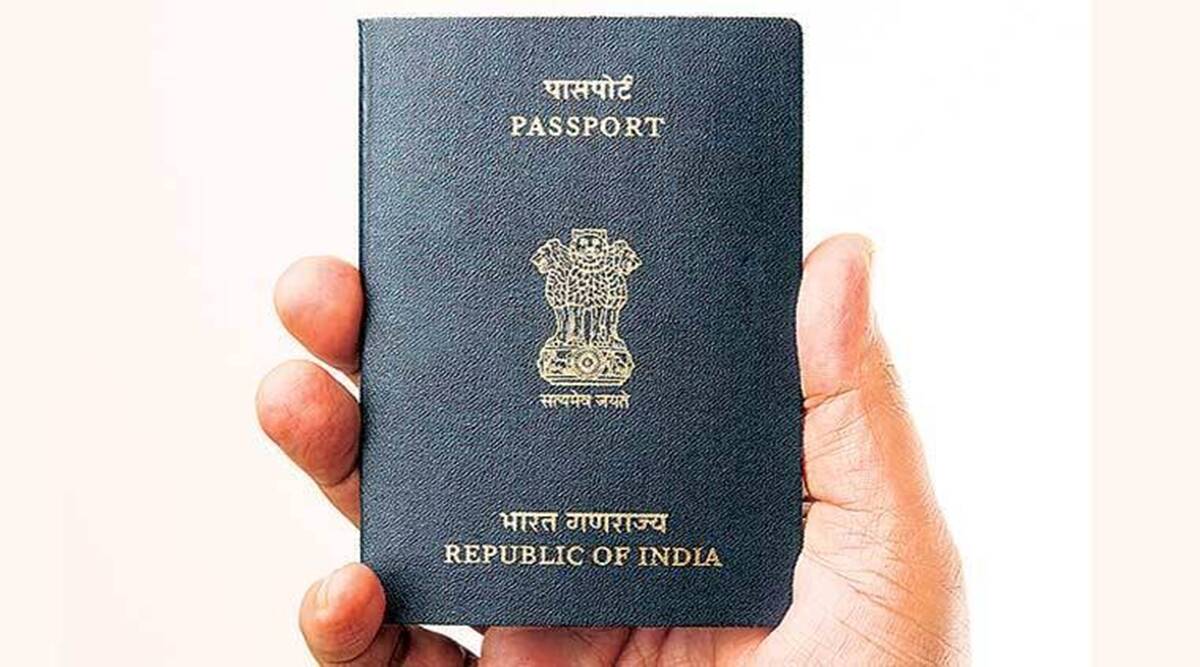
It also houses a passport office, which provides passport services to the residents of the city and the surrounding areas. The PSK has made it easier for people to apply for passports and has brought convenience to their doorstep.
The kind of passport office available in Saharsa is:
Post Office Passport Seva Kendra (POPSK)
Every eligible applicant from this city and surrounding areas can avail the following services:
Issuing new passports
Granting tokens
Re-issuing passports
Verifying documents
Granting appointments
Dispatching final passports
Issuing a Police Clearance Certificate
Some of the most important documents are:
Passport size photographs with a white background
Bank account passbooks
utility bills
PAN card
Aadhaar card
Voter’s ID card
Birth certificate (for children)
Some of the most crucial things to remember are:
Your first move for applying for a passport is filling up the online application form available at the official Passport Seva website. Double check the form after filling it to make sure there are no errors in the details.
After you are done with filling in the form, pay for the application charges through your preffered payment mode.
Upon successful payment, you will be given an appointment date. Be present at the POPSK at the given time with all the necessary documents. Carry original documents along with its self-attested copies.
You must bring the original copies to the counter while verification. However, the passport officials will return the original documents after successful verification.
Although the passport application process is very convenient and can be done with just a few clicks, many people make mistakes in the application process which leads to failed applications. If you follow the right steps, your passport will be granted easily. To speed up the police verification process, you can contact your nearby police station personally and rerquest a visit to your residence.
Depending on the extent of damage, a damaged passport is further categorised, i.e.
Please try one more time!