General
Life
Accessibility Options


General

General Products
Simple & Transparent! Policies that match all your insurance needs.
 Car Insurance
 Two Wheeler Insurance
 Commercial Vehicle Insurance
 Health Insurance
 Home Insurance
 Travel Insurance
 Business Insurance
Car Insurance
Two Wheeler Insurance
Commercial Vehicle Insurance
Health Insurance
Travel Insurance
Business Insurance
Car Insurance
Two Wheeler Insurance
Commercial Vehicle Insurance
Health Insurance
Travel Insurance


Scan to download

Life

Life Products
Digit Life is here! To help you save & secure your loved ones' future in the most simplified way.
 Term Life
 Savings Plan
 Retirement and Pension Plans
 Group Life Products
 Product Documents
Term Life
Savings Plan
Retirement and Pension Plans
Group Life Products
Product Documents
Term Life
Savings Plan
Retirement and Pension Plans
Group Life Products
Scan to download

Claims

Claims
We'll be there! Whenever and however you'll need us.
 Customer Support
 Motor Claims
Health Claims
Motor Claims
Health Claims
 Marine Insurance
 Grievance Redressal
Customer Support
Motor Claims
Health Claims
Marine Insurance
Grievance Redressal
Grievance Redressal
Customer Support
Motor Claims
Health Claims
Marine Insurance
Grievance Redressal
Scan to download
 General
 Life
General
Life
Life
General
Life
Renewals
Resources
Resources
All the more reasons to feel the Digit simplicity in your life!
Exclusive Features
 Transparency Report
Others
Exclusive Features
Transparency Report
Transparency Report
Others
Exclusive Features
Transparency Report
Scan to download


Our WhatsApp number cannot be used for calls. This is a chat only number.

 Grey Scale
 Readable Text
 Reset
Reset



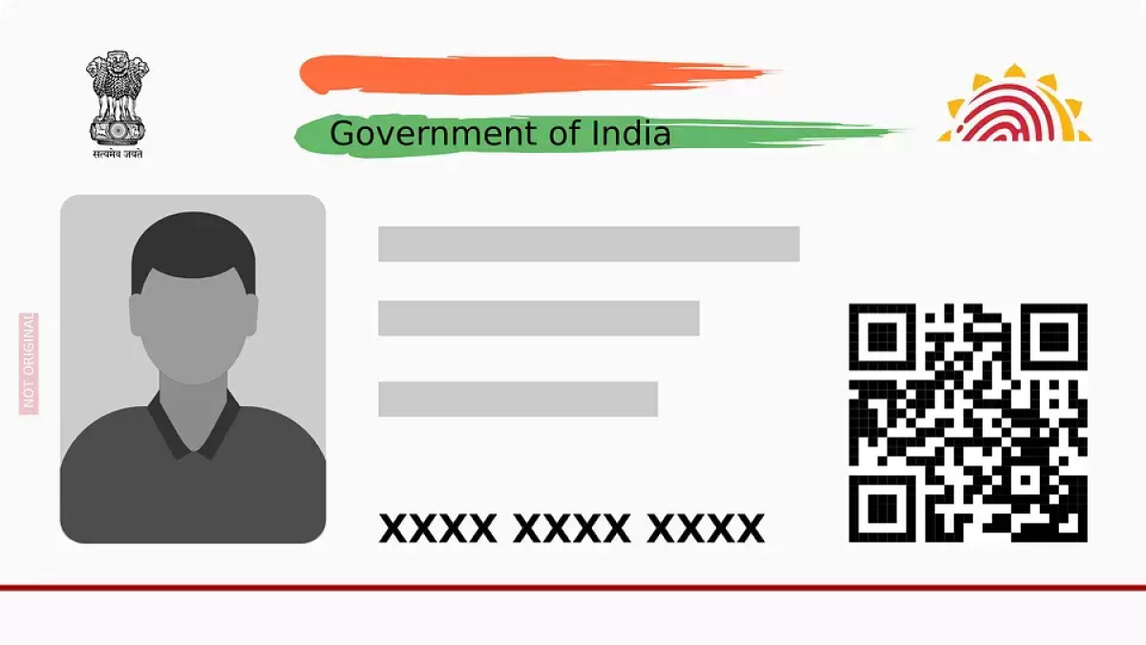
Apart from using your Aadhaar number, you can also use your enrolment number to download your e-Aadhaar. The acknowledgement slip you received upon enrolling in the Aadhaar system contains the enrolment ID. The e-Aadhaar has all the relevant information, including your biometric data, Aadhaar number, demographic information, etc., similar to your Aadhaar card.
So, if you want to know how to download an Aadhaar card by enrollment number, continue reading!
The steps to download Aadhaar with an enrolment number includes:
Step 1: Go to the official website of UIDAI and select "Download Aadhaar."
Step 2: You have to enter your 28-digit enrolment ID and security code to generate an OTP and click "Send OTP." You can click on the ‘masked Aadhaar option’ if you want to hide your Aadhaar number.
Step 3: You will receive an OTP on your registered mobile number, and enter it to click on "Verify And Download."
Step 4: You can now obtain a digital version of your Aadhaar Card.
A few pointers that you must note while downloading Aadhaar include the following –
If UIDAI has not registered your mobile number, you cannot download an Aadhaar card.
Without OTP, you cannot download your Aadhaar card.
Before permitting the download of the Aadhaar pdf, UIDAI sends an OTP for authentication to the registered contact number.
The electronic Aadhaar card is available for unlimited downloads.
By inputting the password after downloading the online Aadhaar, you can print your Aadhaar card.
You can use your downloaded e-Aadhaar card anyplace in place of your physical Aadhaar card.
Lastly, you have to enter your 8-digit password to access your e-Aadhaar letter. The password is the first four letters of your name and the year of your birth make up the password. Also, you can print your Aadhaar card online after you download an Aadhaar card by enrolment number in pdf format from the UIDAI website.
No, you cannot download an Aadhaar card by name alone. You need your Aadhaar number, enrollment ID, or virtual ID, along with a registered mobile number, to download it.
Visit the UIDAI website, choose "Download Aadhaar," enter your Aadhaar number or enrollment ID, and authenticate via the OTP sent to your registered mobile number to download your Aadhaar card.