General
Life
Accessibility Options


General

General Products
Simple & Transparent! Policies that match all your insurance needs.
 Car Insurance
 Two Wheeler Insurance
 Commercial Vehicle Insurance
 Health Insurance
 Home Insurance
 Travel Insurance
 Business Insurance
Car Insurance
Two Wheeler Insurance
Commercial Vehicle Insurance
Health Insurance
Travel Insurance
Business Insurance
Car Insurance
Two Wheeler Insurance
Commercial Vehicle Insurance
Health Insurance
Travel Insurance


Scan to download
Life

Life Products
Digit Life is here! To help you save & secure your loved ones' future in the most simplified way.
 Term Life
 Savings Plan
 Retirement and Pension Plans
 Group Life Products
 Product Documents
Term Life
Savings Plan
Retirement and Pension Plans
Group Life Products
Product Documents
Term Life
Savings Plan
Retirement and Pension Plans
Group Life Products
Scan to download
Claims

Claims
We'll be there! Whenever and however you'll need us.
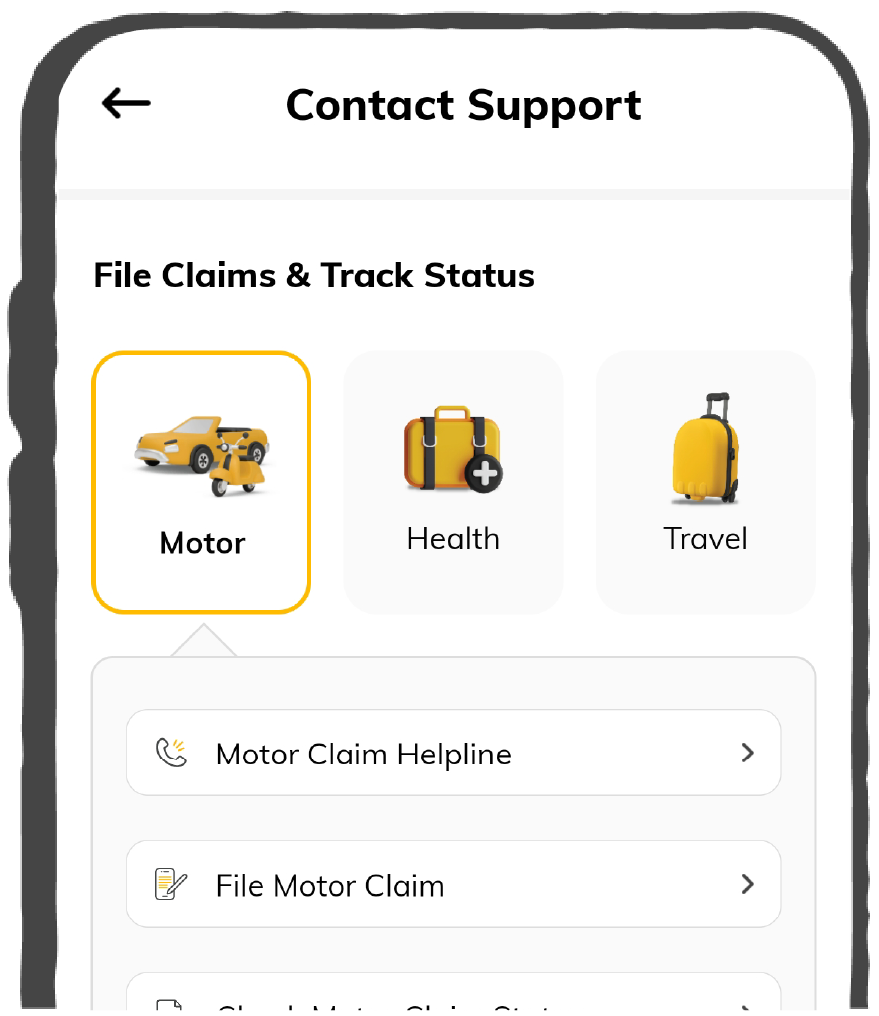
 Customer Support
 Motor Claims
Health Claims
Motor Claims
Health Claims
 Marine Insurance
 Grievance Redressal
Customer Support
Motor Claims
Health Claims
Marine Insurance
Grievance Redressal
Grievance Redressal
Customer Support
Motor Claims
Health Claims
Marine Insurance
Grievance Redressal
Scan to download
 General
 Life
General
Life
Life
General
Life
Renewals
Resources
Resources
All the more reasons to feel the Digit simplicity in your life!
Exclusive Features
 Transparency Report
Others
Exclusive Features
Transparency Report
Transparency Report
Others
Exclusive Features
Transparency Report
Scan to download


Our WhatsApp number cannot be used for calls. This is a chat only number.

 Grey Scale
 Readable Text
 Reset
Reset


The introduction of different types of Aadhaar services available on SMS by UIDAI enables Aadhaar card holders who do not have access to the internet to avail various Aadhaar services. These services include VID generation/retrieval, biometric lock/unlock, Aadhaar lock/unlock, etc. To learn more about this service, keep reading till the end.
The Aadhaar SMS service was launched by UIDAI with the purpose to enable residents to access Aadhaar services without having to access the internet. This service is helpful for Aadhaar card holders who cannot access the UIDAI official website or the mAadhaar app.
The different types of Aadhaar SMS services are as follows:
The locking and unlocking processes of Aadhaar SMS services include the following steps:
To lock your Aadhaar, it is mandatory to pre-generate your VID. Now, to lock your Aadhaar number, you need to send 2 SMSs. Now follow the listed steps:
Your UID will now be locked, and you will receive a confirmation.
You would also require a VID to commence this process. To unlock your Aadhaar number, you need to send 2 SMSs. Now follow the listed steps:
Your UID will now be unlocked, and you will receive a confirmation.
To avail of Aadhaar services via SMS, follow the steps below:
Retrieve Virtual ID
Get OTP
The process to avail of different types of Aadhaar services available on SMS is straightforward. You can now easily avail of Aadhaar related services from the steps mentioned above.
Follow the steps below to link your mobile number with your Aadhaar card via SMS:
Step 3: Follow the voice instructions and complete the process.