General
Life
Accessibility Options


General
General Products
Simple & Transparent! Policies that match all your insurance needs.
 Car Insurance
 Two Wheeler Insurance
 Commercial Vehicle Insurance
 Health Insurance
 Home Insurance
 Travel Insurance
 Business Insurance
Car Insurance
Two Wheeler Insurance
Commercial Vehicle Insurance
Health Insurance
Travel Insurance
Business Insurance
Car Insurance
Two Wheeler Insurance
Commercial Vehicle Insurance
Health Insurance
Travel Insurance


Scan to download
Life

Life Products
Digit Life is here! To help you save & secure your loved ones' future in the most simplified way.
 Term Life
 Savings Plan
 Retirement and Pension Plans
 Group Life Products
 Product Documents
Term Life
Savings Plan
Retirement and Pension Plans
Group Life Products
Product Documents
Term Life
Savings Plan
Retirement and Pension Plans
Group Life Products
Scan to download
Claims
Claims
We'll be there! Whenever and however you'll need us.
 Customer Support
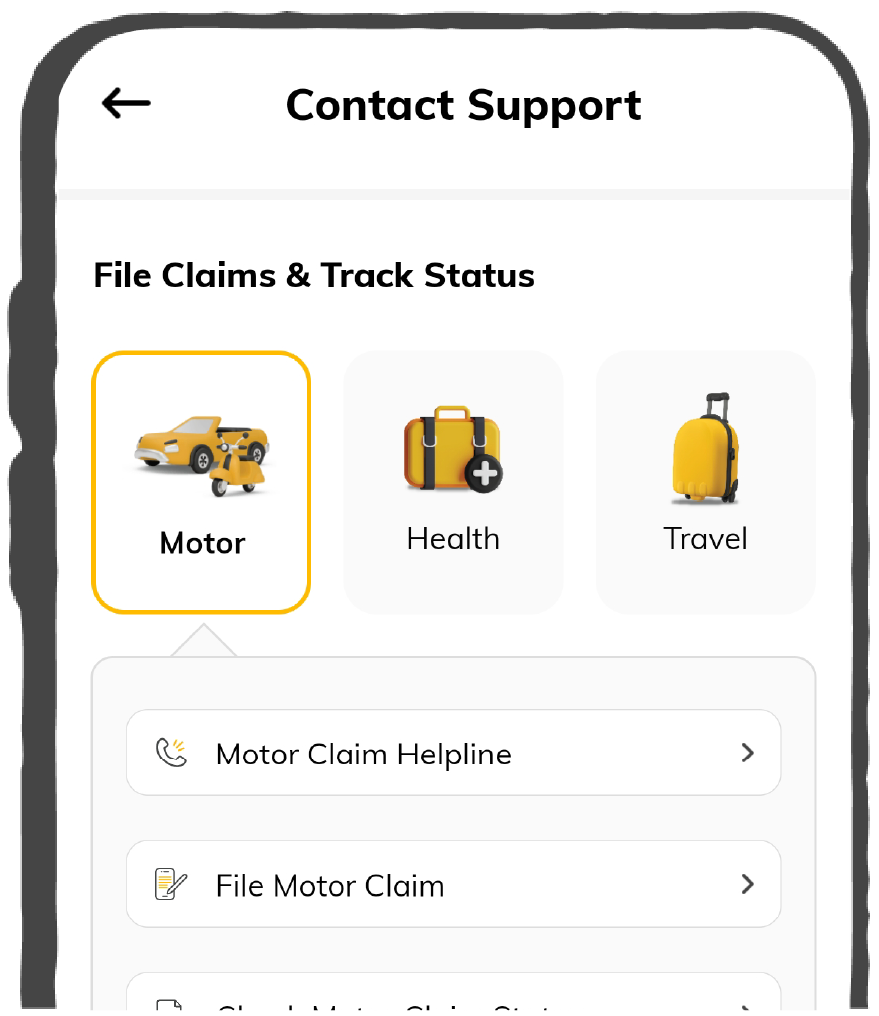
 Motor Claims
Health Claims
Motor Claims
Health Claims
 Marine Insurance
 Grievance Redressal
Customer Support
Motor Claims
Health Claims
Marine Insurance
Grievance Redressal
Grievance Redressal
Customer Support
Motor Claims
Health Claims
Marine Insurance
Grievance Redressal
Scan to download
 General
 Life
General
Life
Life
General
Life
Renewals
Resources
Resources
All the more reasons to feel the Digit simplicity in your life!
Exclusive Features
 Transparency Report
Others
Exclusive Features
Transparency Report
Transparency Report
Others
Exclusive Features
Transparency Report
Scan to download


Our WhatsApp number cannot be used for calls. This is a chat only number.

 Grey Scale
 Readable Text
 Reset
Reset


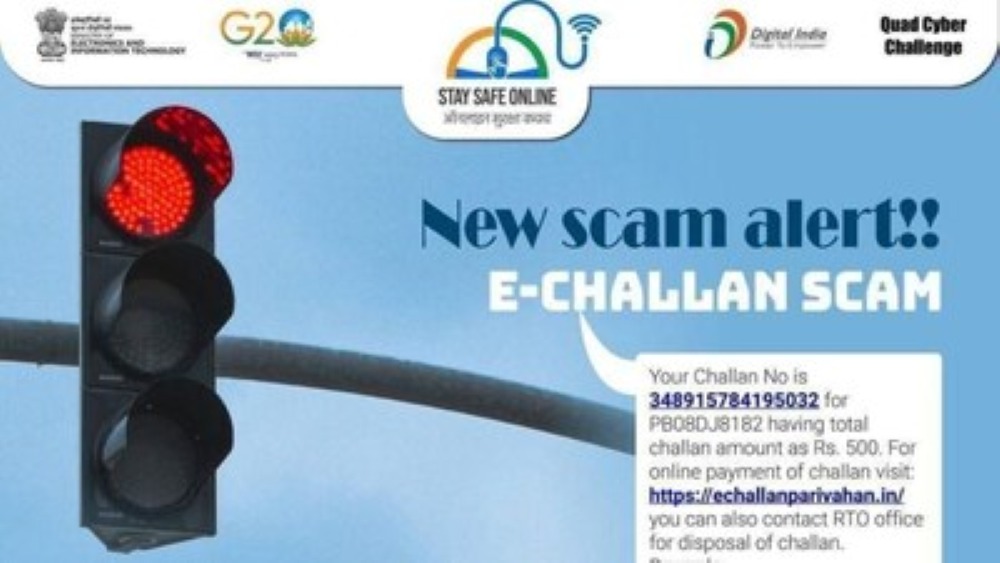
E-challan scams are on the rise across India, targeting vehicle owners with fake traffic challan messages. These scams are very well disguised to look official, often including your vehicle number and a payment link that mimics the government’s portal. But behind the scenes, they’re designed to steal your personal and financial data.
This isn’t just a metro city problem anymore. Victims in Delhi, Mumbai, Bengaluru, Chennai, and Hyderabad have reported losing thousands after clicking on fake e-challan links. WhatsApp messages often use official logos to appear more convincing.

Table of Contents

An e-challan scam is a type of cyber fraud in which scammers impersonate as traffic authorities or the RTO. They send fake messages, usually through SMS or WhatsApp, claiming that you have violated a traffic rule and must pay a fine immediately. These messages often appear legitimate, with vehicle numbers and fake payment links. The link or app they share looks official, but is actually malicious. Once you click, it may:
Scammers are getting creative by the day, and here are the most common traps they use for traffic fines/digital challan frauds in India.
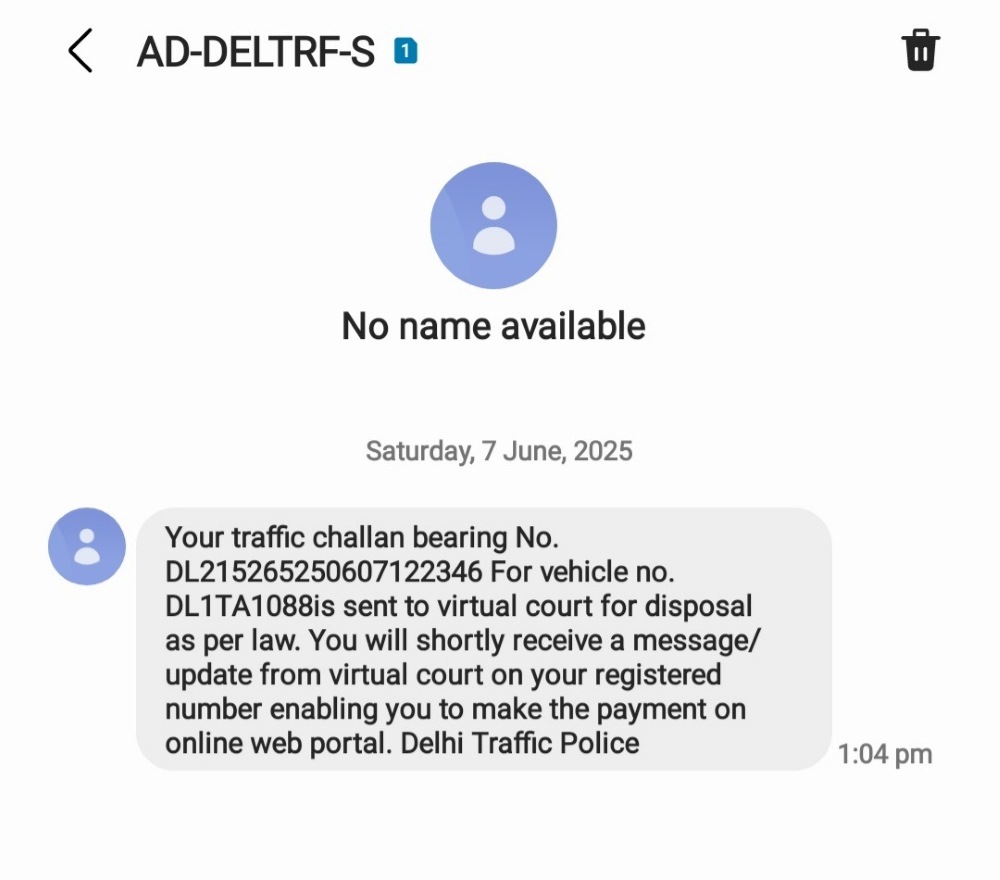
This is the most common type of traffic challan scam. You receive a message like, “You have a pending challan for overspeeding. Pay ₹500 immediately to avoid license suspension.” The message includes your vehicle number and a payment link that looks real. Once clicked, it opens a fraudulent website that mimics the government’s portal. These sites are designed to steal your card details, UPI credentials, or OTPs.
How to Check if a Traffic Challan SMS is Real:
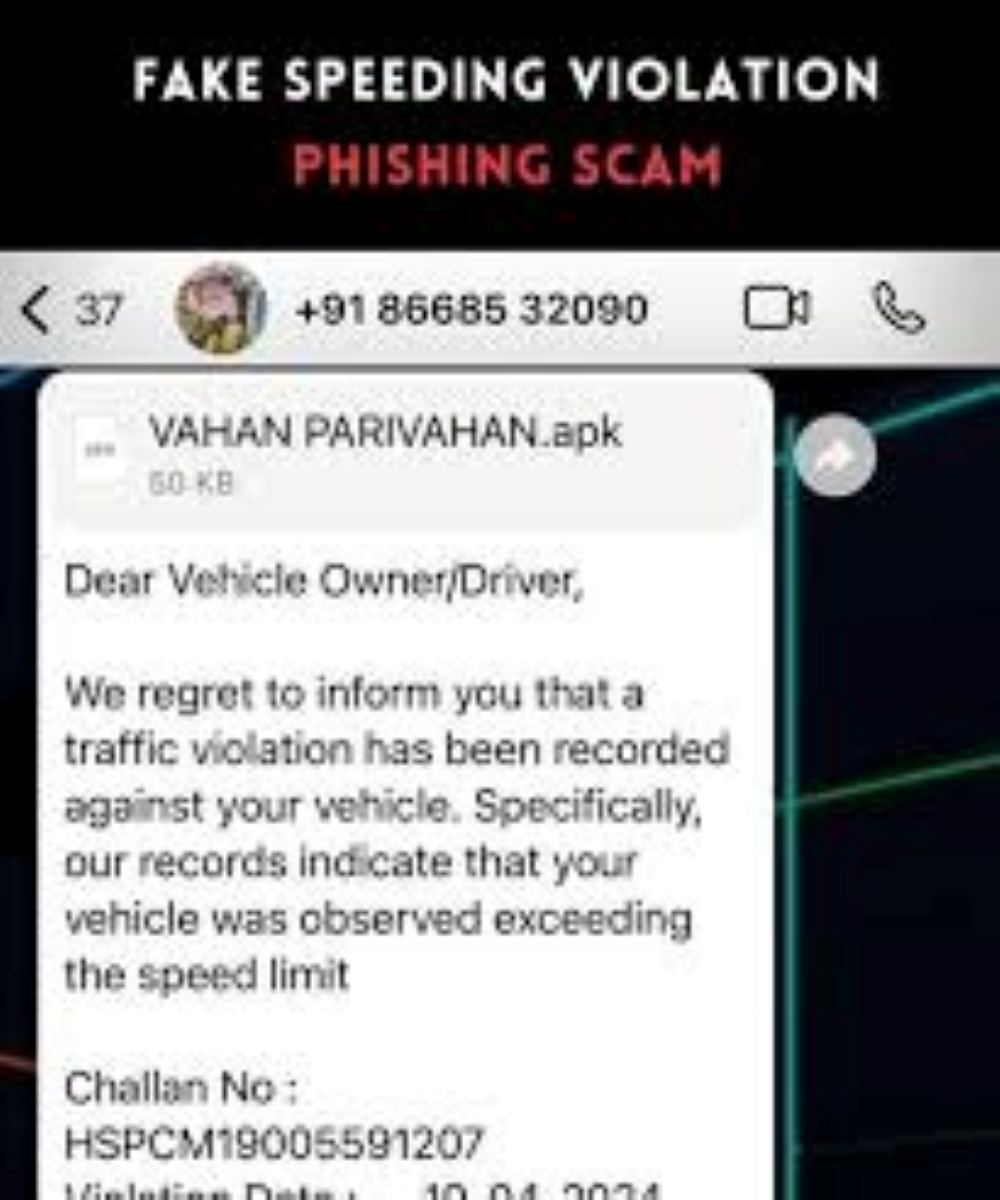
WhatsApp scams are similar to SMS scams but often more convincing. Scammers use display pictures with official logos and send messages that include your vehicle number and a payment link. These links lead to fake websites that mimic the government portal. In many cases, scammers also share APK files claiming to be the “official Parivahan app.” These apps are extremely dangerous.
How to Check If a WhatsApp Message or App Is Real:
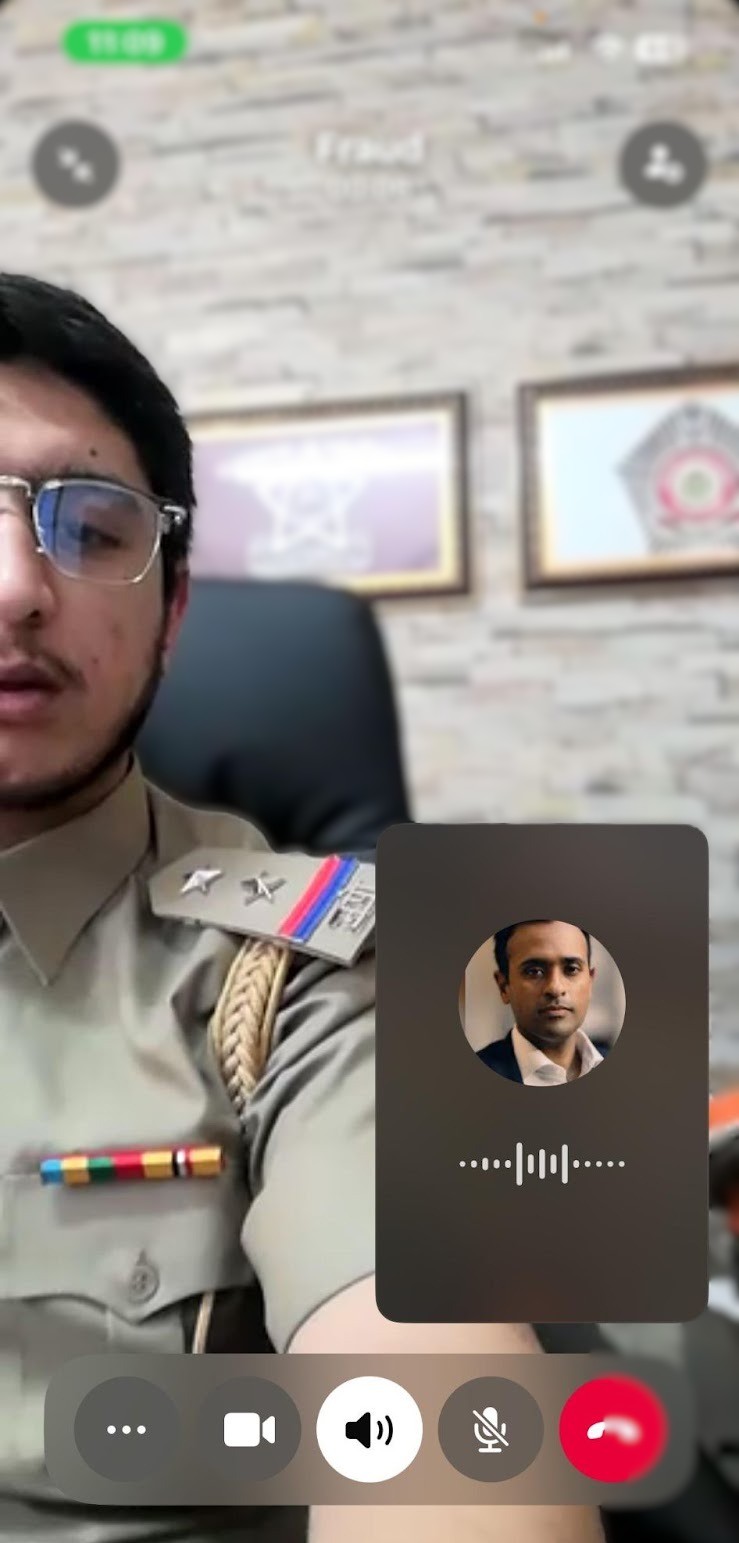
Scammers also use phone calls to impersonate traffic officials. They may claim to be from the RTO or traffic police and demand immediate payment. These calls often use threatening language, warning of license suspension or legal action if you don’t pay. They may guide you to a fake website or ask for your UPI/card details directly over the phone.
How to Identify if the Traffic Challan is Real or Fake?
This isn’t just a metro city problem anymore. Victims in Delhi, Mumbai, Bengaluru, Chennai, and Hyderabad have reported losing thousands after clicking on fake e-challan links. WhatsApp messages often use official logos to appear more convincing.
To verify a traffic challan:
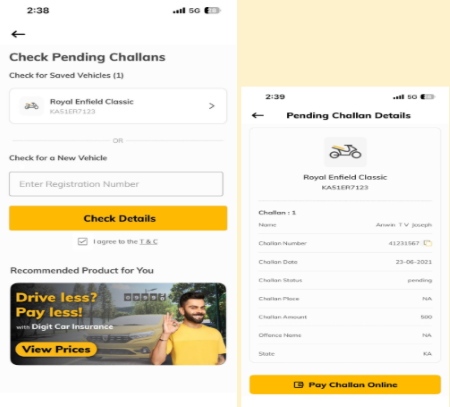
If you or someone you know has clicked a suspicious link, shared sensitive information, or made a payment, here’s what to do:
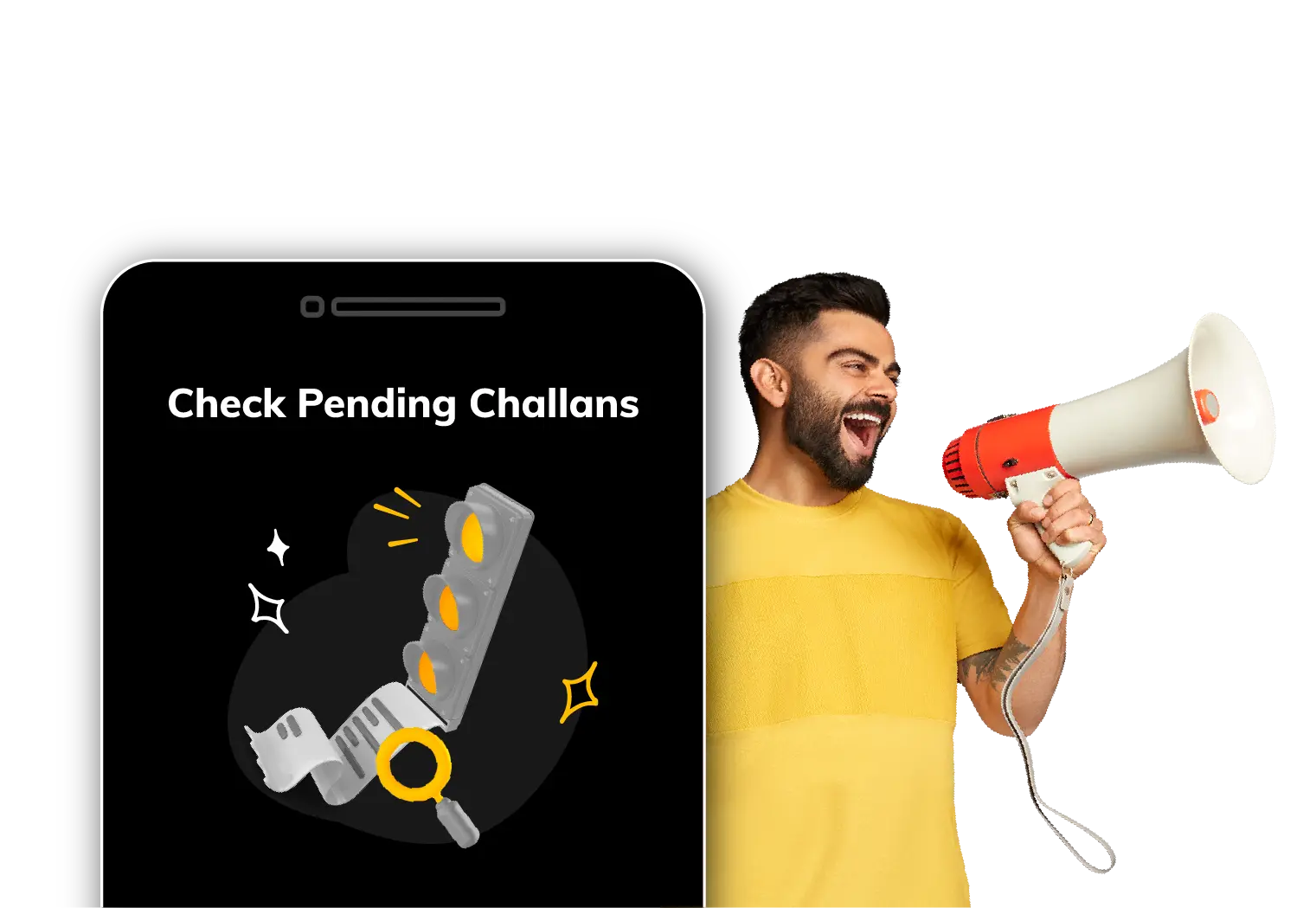
With the rise of digital traffic enforcement across India, vehicle owners are increasingly using online platforms to verify and pay traffic fines. However, the growing popularity of digital challan systems has also led to an increase in fraudulent messages, fake payment links, and scam websites designed to deceive motorists. Before clicking on any challan-related notification or making a payment, it is advisable to conduct an e challan check through trusted sources to verify whether a challan has actually been issued against your vehicle. By checking the challan status online, motorists can confirm the authenticity of the penalty, review violation details, and avoid falling victim to scams that may result in financial loss or misuse of personal information. Regularly verifying challan records through official channels can help drivers stay informed, make secure payments, and ensure compliance with traffic regulations without unnecessary risks.