General
Life
Accessibility Options


General
General Products
Simple & Transparent! Policies that match all your insurance needs.
 Car Insurance
 Two Wheeler Insurance
 Commercial Vehicle Insurance
 Health Insurance
 Home Insurance
 Travel Insurance
 Business Insurance
Car Insurance
Two Wheeler Insurance
Commercial Vehicle Insurance
Health Insurance
Travel Insurance
Business Insurance
Car Insurance
Two Wheeler Insurance
Commercial Vehicle Insurance
Health Insurance
Travel Insurance


Scan to download

Life

Life Products
Digit Life is here! To help you save & secure your loved ones' future in the most simplified way.
 Term Life
 Savings Plan
 Retirement and Pension Plans
 Group Life Products
 Product Documents
Term Life
Savings Plan
Retirement and Pension Plans
Group Life Products
Product Documents
Term Life
Savings Plan
Retirement and Pension Plans
Group Life Products
Scan to download

Claims
Claims
We'll be there! Whenever and however you'll need us.
 Customer Support
 Motor Claims
Health Claims
Motor Claims
Health Claims
 Marine Insurance
 Grievance Redressal
Customer Support
Motor Claims
Health Claims
Marine Insurance
Grievance Redressal
Grievance Redressal
Customer Support
Motor Claims
Health Claims
Marine Insurance
Grievance Redressal
Scan to download
 General
 Life
General
Life
Life
General
Life
Renewals
Resources
Resources
All the more reasons to feel the Digit simplicity in your life!
Exclusive Features
 Transparency Report
Others
Exclusive Features
Transparency Report
Transparency Report
Others
Exclusive Features
Transparency Report
Scan to download


Our WhatsApp number cannot be used for calls. This is a chat only number.

 Grey Scale
 Readable Text
 Reset
Reset



At times, it is necessary to search for the owner’s information about a particular car. For instance, when purchasing a used vehicle, it is essential to know information concerning the owner to be assured that the car was approved by the authorities and meets the legal requirements.
Further, it is necessary to know who the car belongs to in scenarios like hit-and-run crashes to report the accident correctly. The use of websites such as the VAHAN website, SMS, and apps such as Digit have made identifying details of vehicle owners by the number plate a much easier process in Goa.
Continue reading to learn how to check the vehicle owner’s details using the vehicle number plate in Goa.

Table of Contents

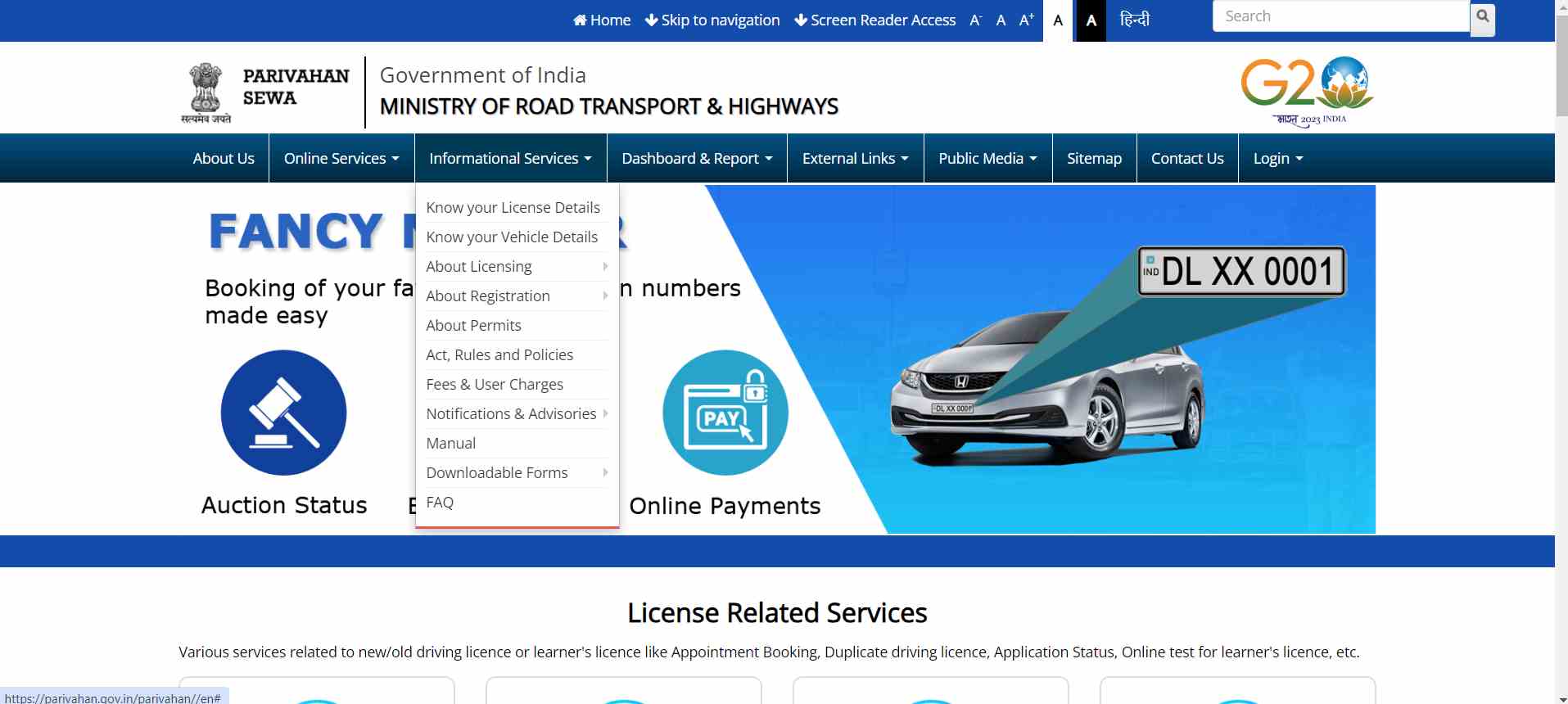
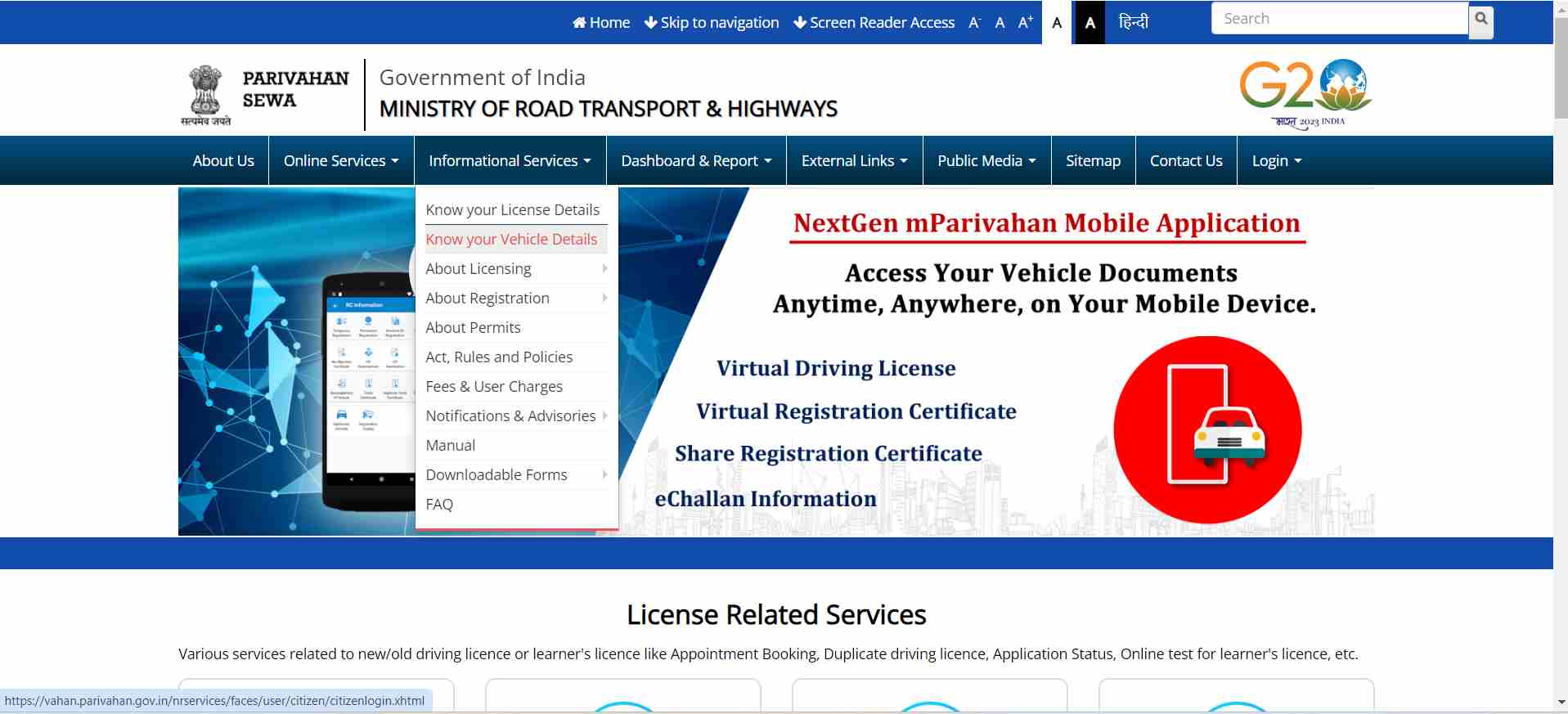
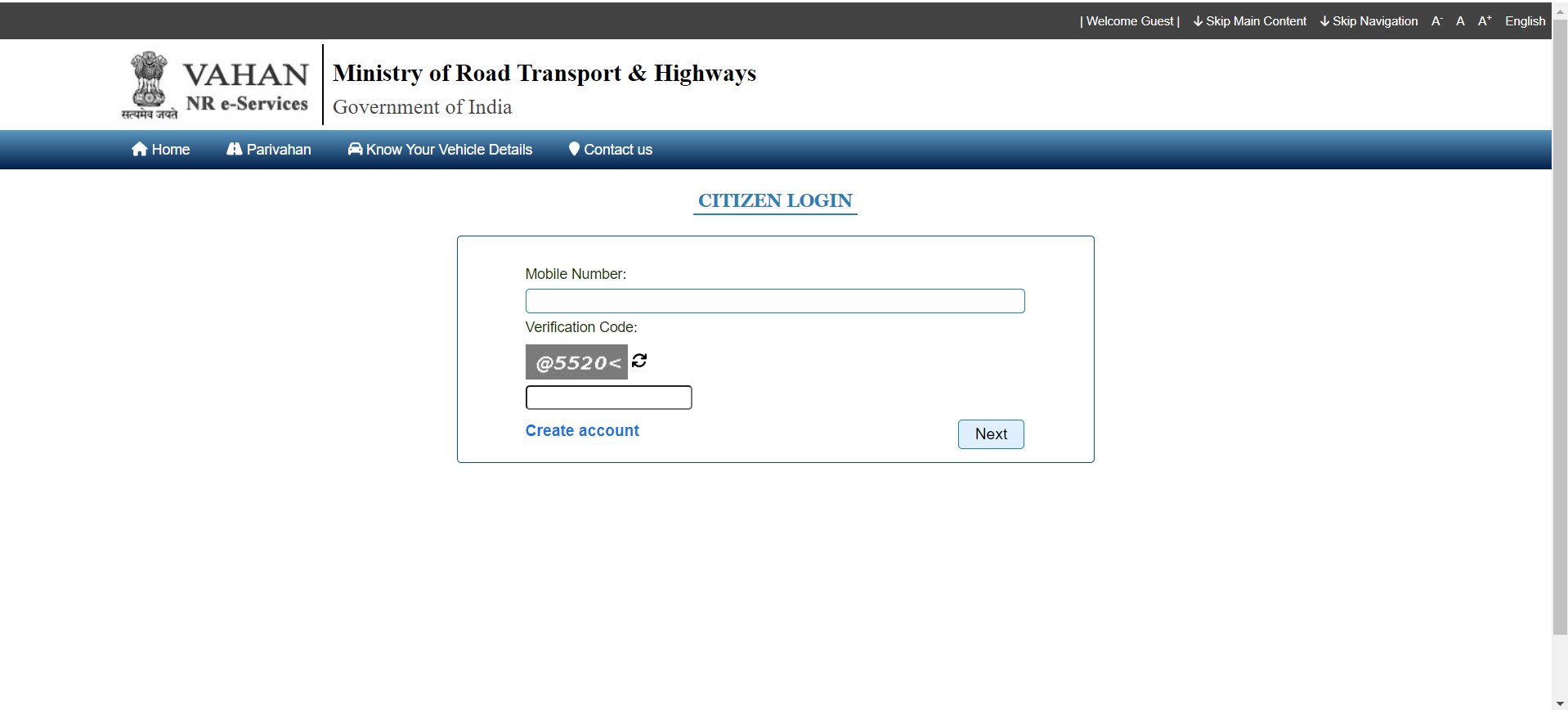
To find vehicle owner information through the VAHAN portal, follow these steps:
To obtain vehicle owner information via SMS, use these steps:
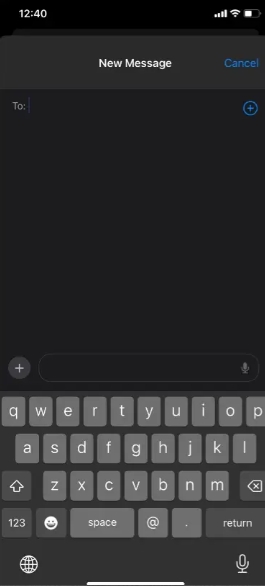
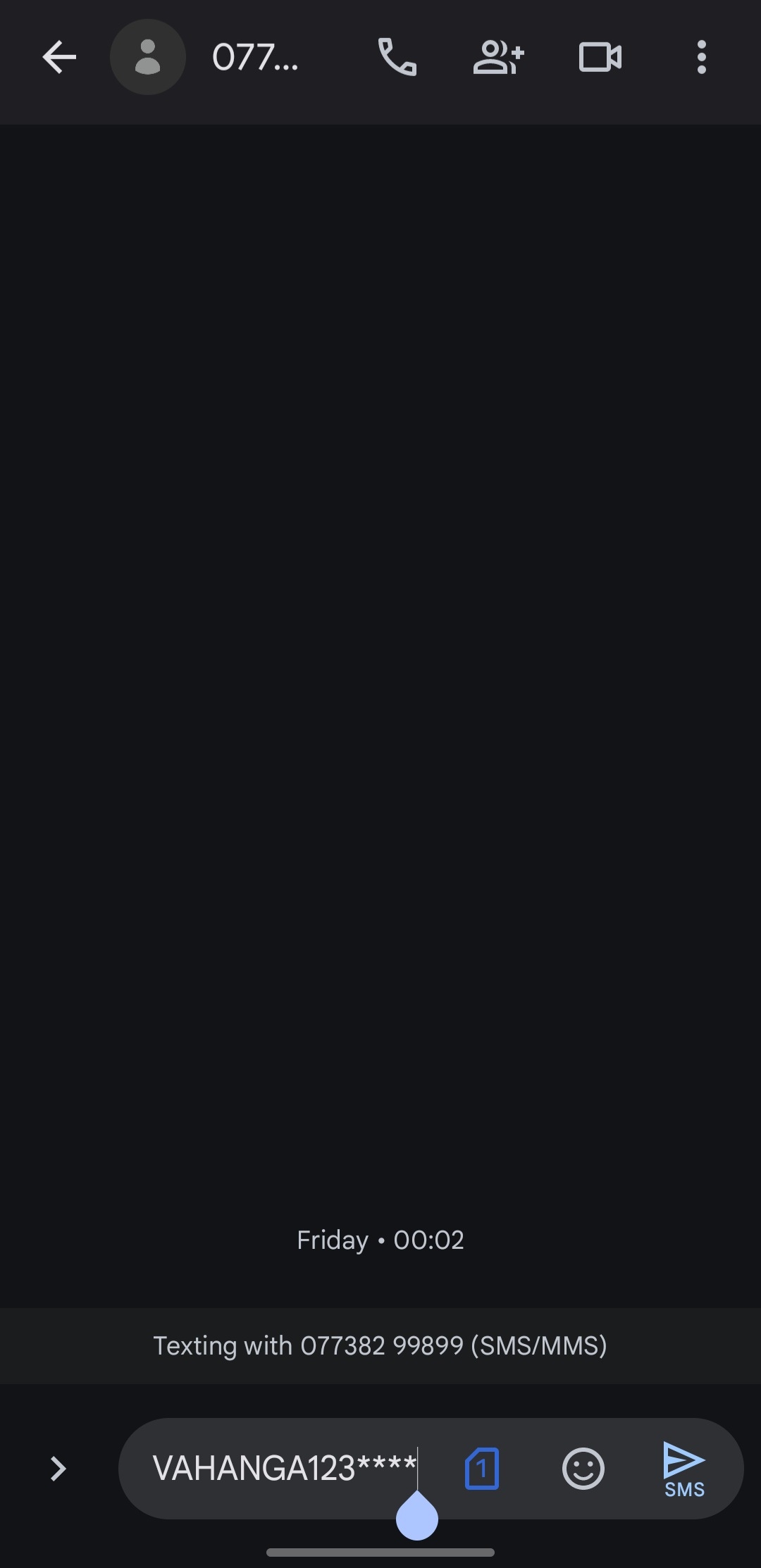
Then, you will get a response with the vehicle owner's details and other relevant information.
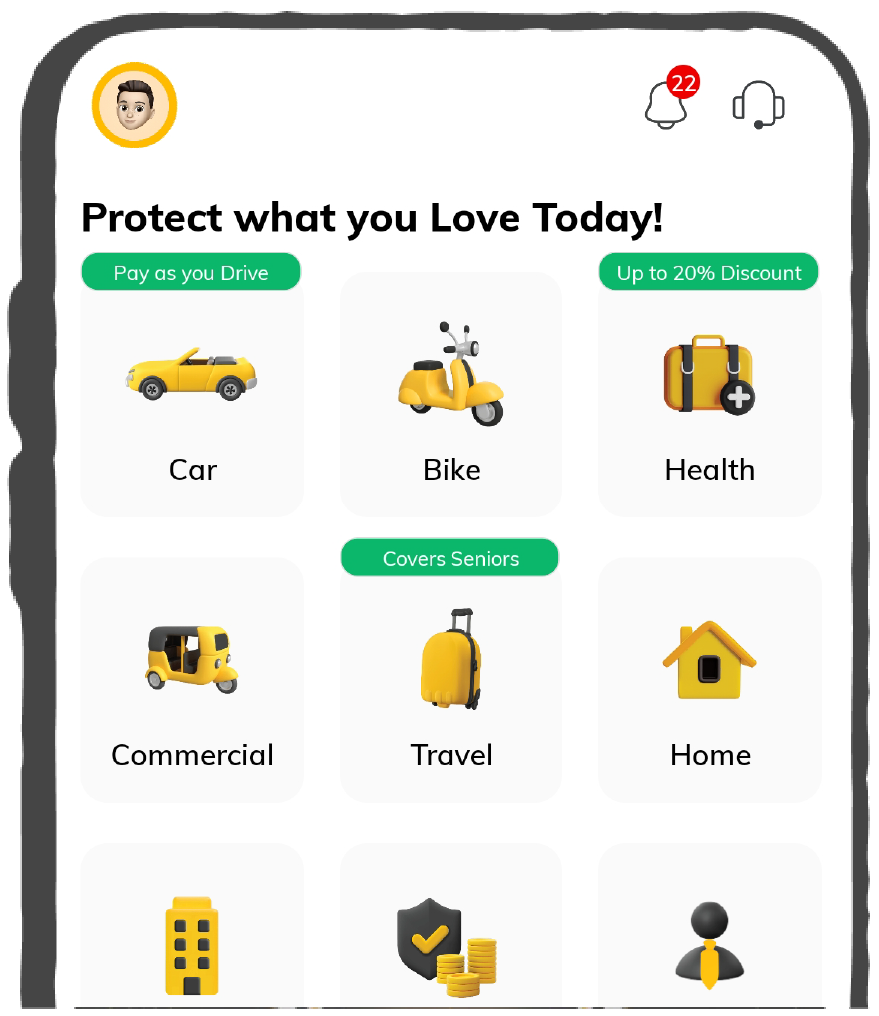
You can also find vehicle owner details in Bangalore using the Digit app. Here are the steps to follow:
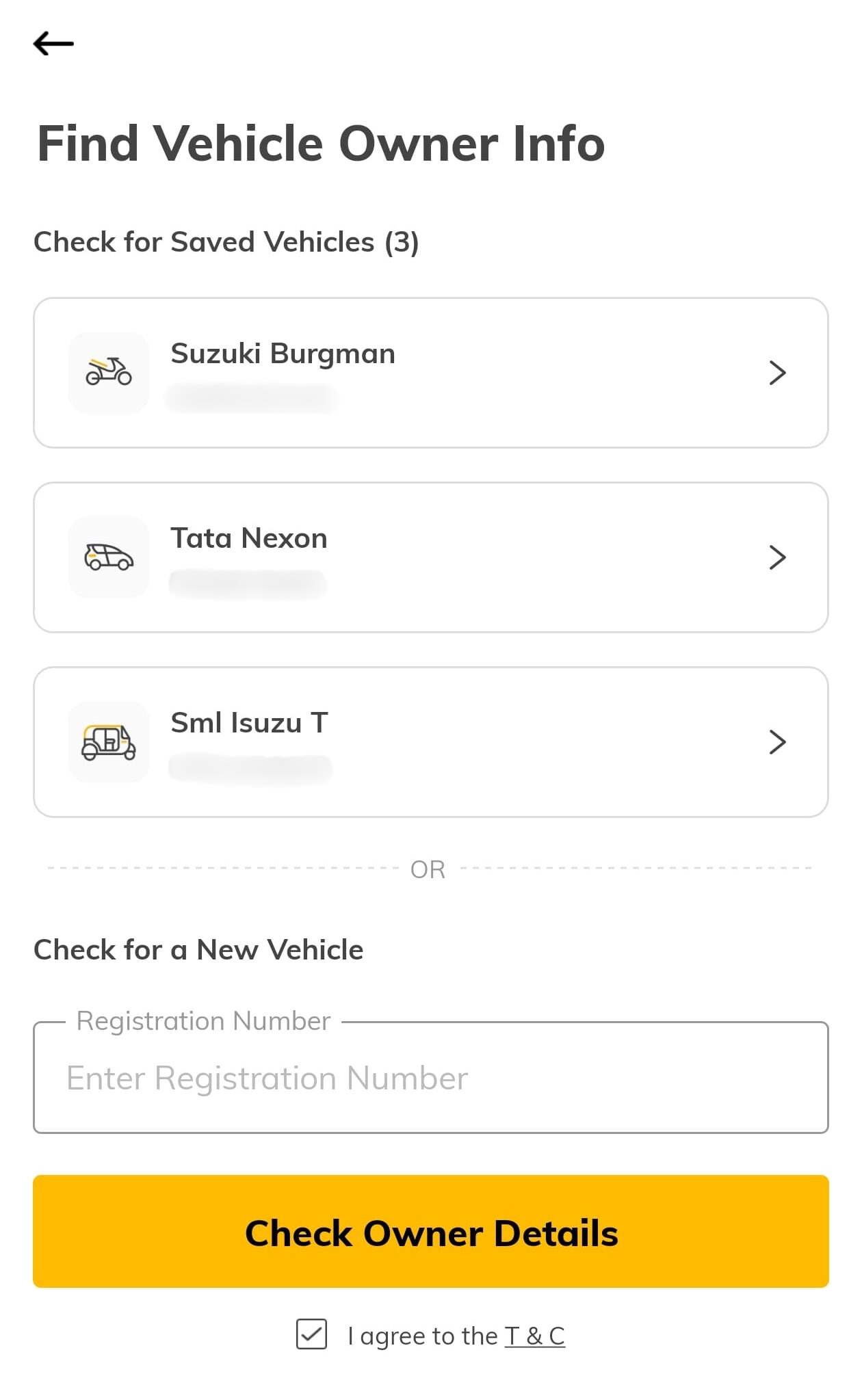
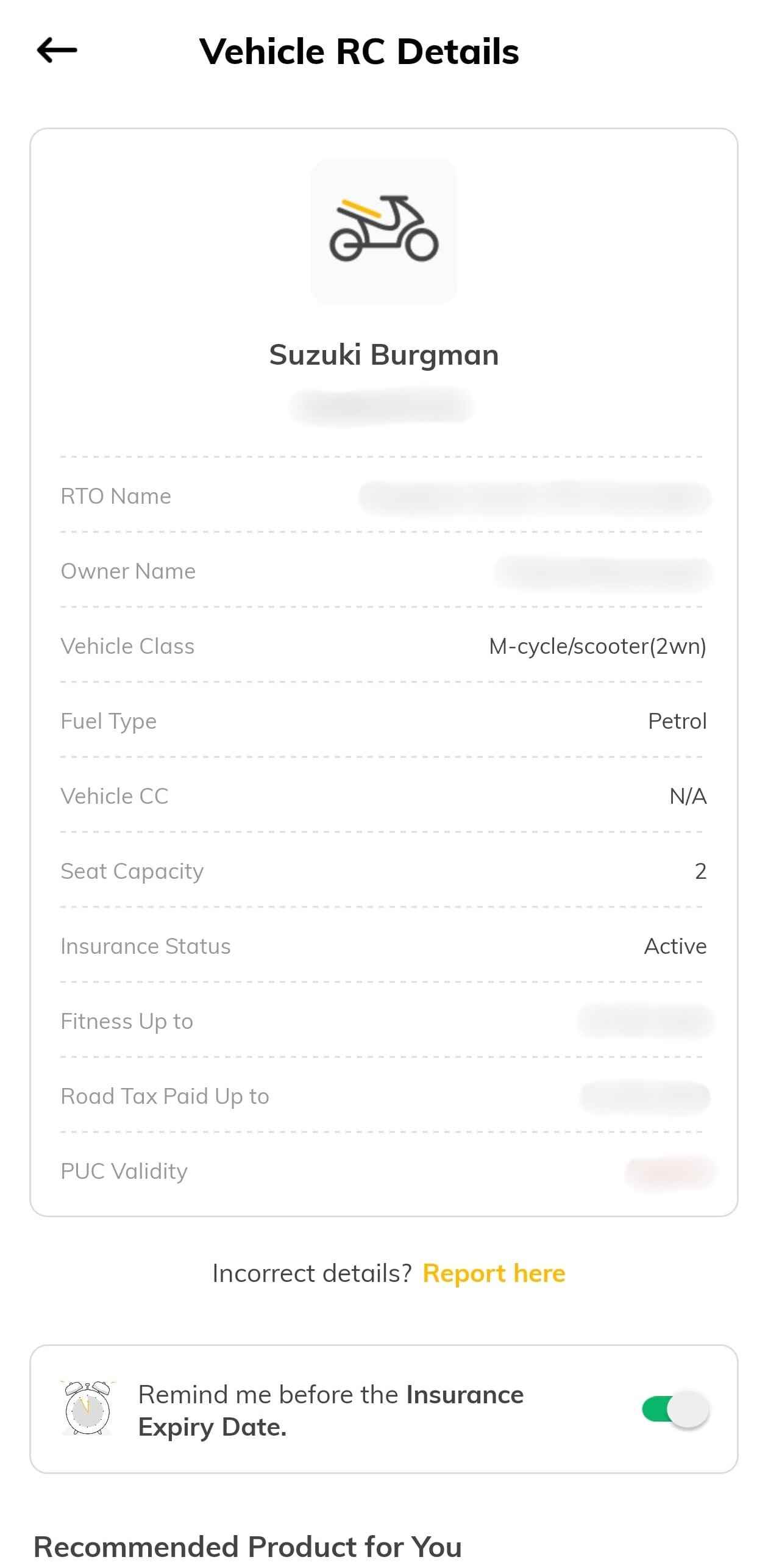
A registration certificate will typically consist of the following details:
Checking the RC status in Goa is important for several reasons:
It is important to confirm ownership of a particular vehicle, particularly when purchasing a used car or in cases of accidents. To check vehicle owner details by number plate in Goa, the details can be verified quickly in different ways.
This article provides several ways to confirm vehicle owner details in Goa to ensure you abide by the state's current rules and regulations.
Protect What Matters - Explore Other Insurance Options