General
Life
Accessibility Options


General

General Products
Simple & Transparent! Policies that match all your insurance needs.
 Car Insurance
 Two Wheeler Insurance
 Commercial Vehicle Insurance
 Health Insurance
 Home Insurance
 Travel Insurance
 Business Insurance
Car Insurance
Two Wheeler Insurance
Commercial Vehicle Insurance
Health Insurance
Travel Insurance
Business Insurance
Car Insurance
Two Wheeler Insurance
Commercial Vehicle Insurance
Health Insurance
Travel Insurance


Scan to download

Life

Life Products
Digit Life is here! To help you save & secure your loved ones' future in the most simplified way.
 Term Life
 Savings Plan
 Retirement and Pension Plans
 Group Life Products
 Product Documents
Term Life
Savings Plan
Retirement and Pension Plans
Group Life Products
Product Documents
Term Life
Savings Plan
Retirement and Pension Plans
Group Life Products
Scan to download

Claims
Claims
We'll be there! Whenever and however you'll need us.
 Customer Support
 Motor Claims
Health Claims
Motor Claims
Health Claims
 Marine Insurance
 Grievance Redressal
Customer Support
Motor Claims
Health Claims
Marine Insurance
Grievance Redressal
Grievance Redressal
Customer Support
Motor Claims
Health Claims
Marine Insurance
Grievance Redressal
Scan to download
 General
 Life
General
Life
Life
General
Life
Renewals
Resources
Resources
All the more reasons to feel the Digit simplicity in your life!
Exclusive Features
 Transparency Report
Others
Exclusive Features
Transparency Report
Transparency Report
Others
Exclusive Features
Transparency Report
Scan to download


Our WhatsApp number cannot be used for calls. This is a chat only number.

 Grey Scale
 Readable Text
 Reset
Reset



The Vehicle Registration Certificate (RC) is a legal record that certifies that a vehicle has been registered. In Uttar Pradesh, the RC must be driven legally and renewed before expiring.
Also, if you're considering purchasing a car, the RC can provide valuable information about the vehicle and its owner.
Continue reading the article to know how to verify vehicle owner details by registration number in Uttar Pradesh.

Table of Contents

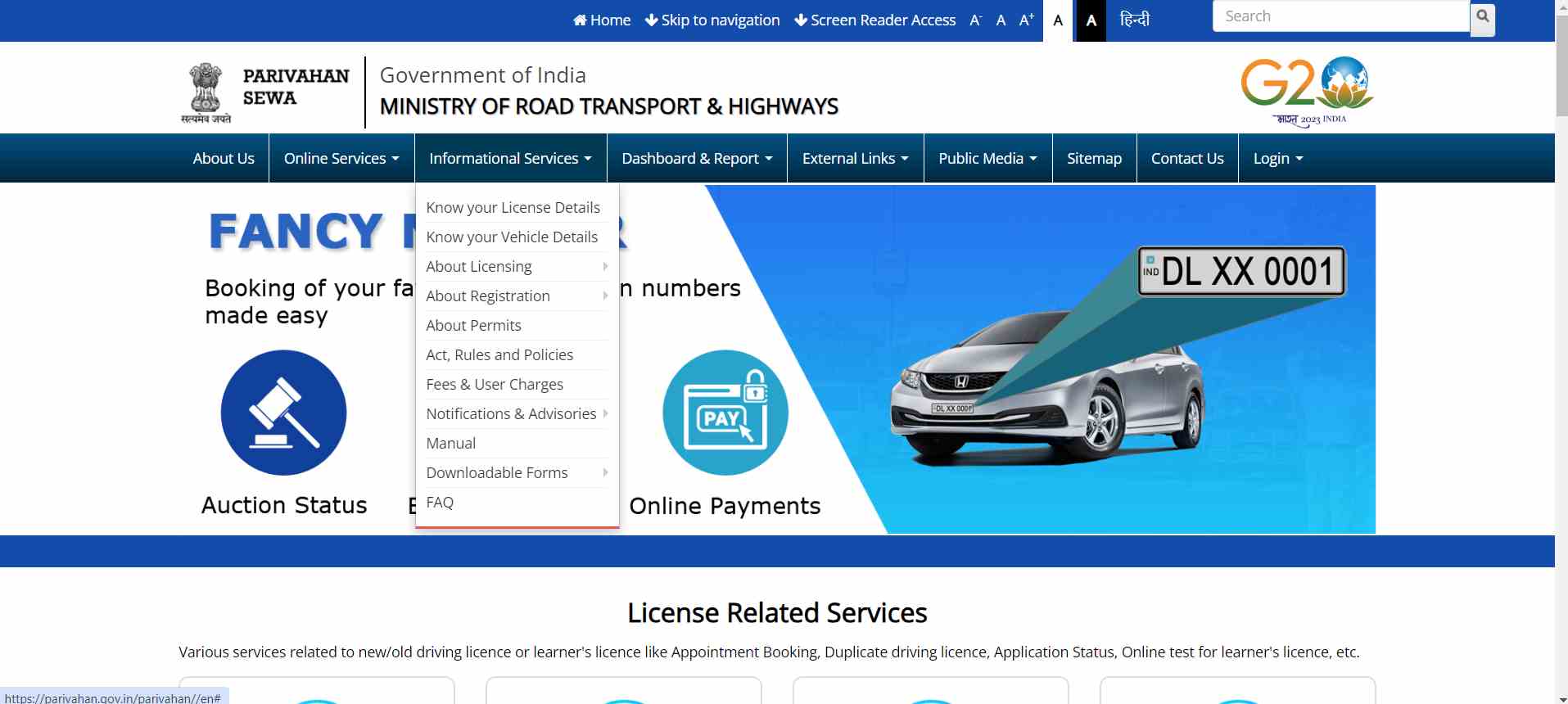
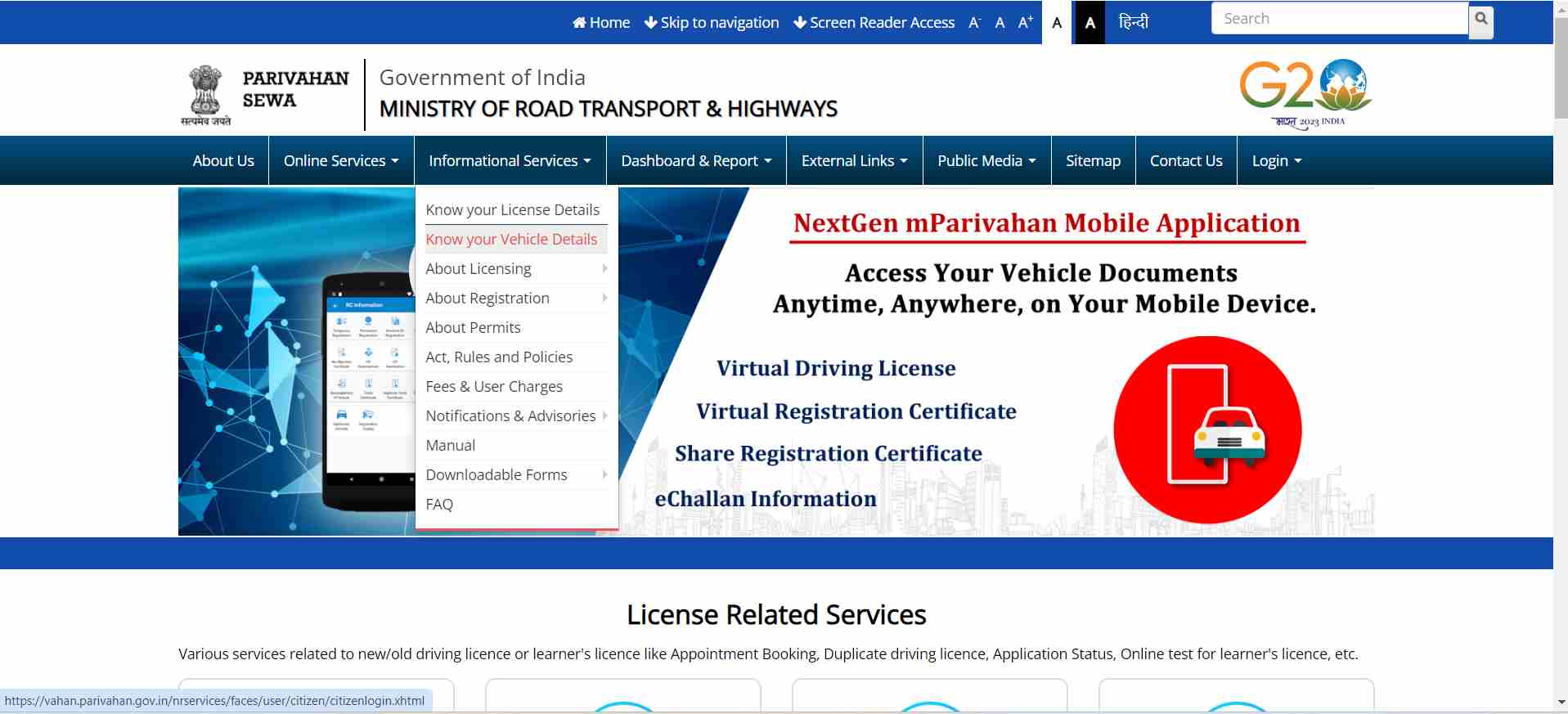
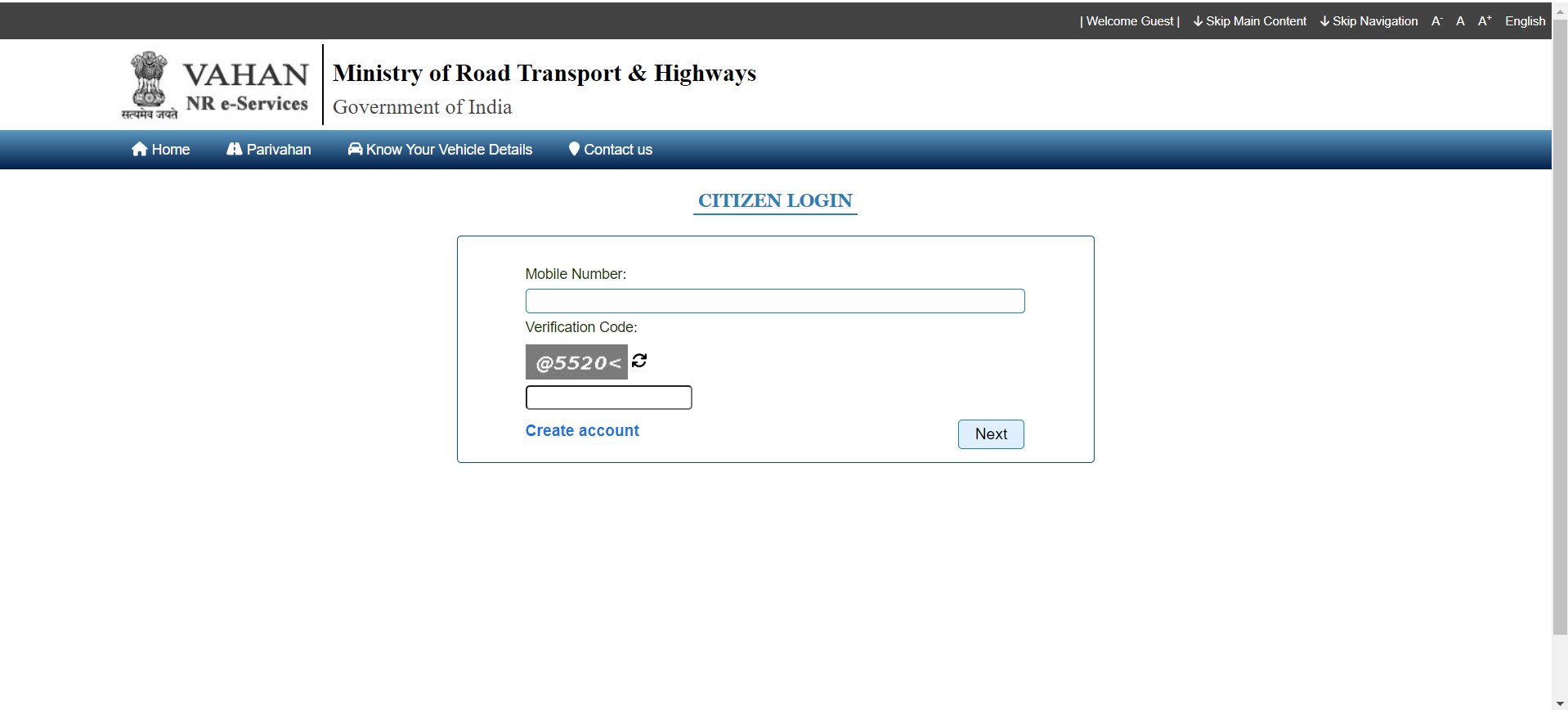
The VAHAN website is a government platform where you can get details about a vehicle’s owner. Here are the steps to check the vehicle owner details in Uttar Pradesh:
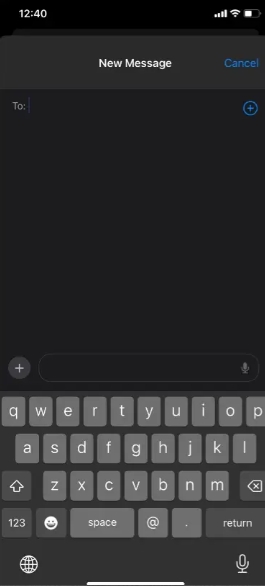
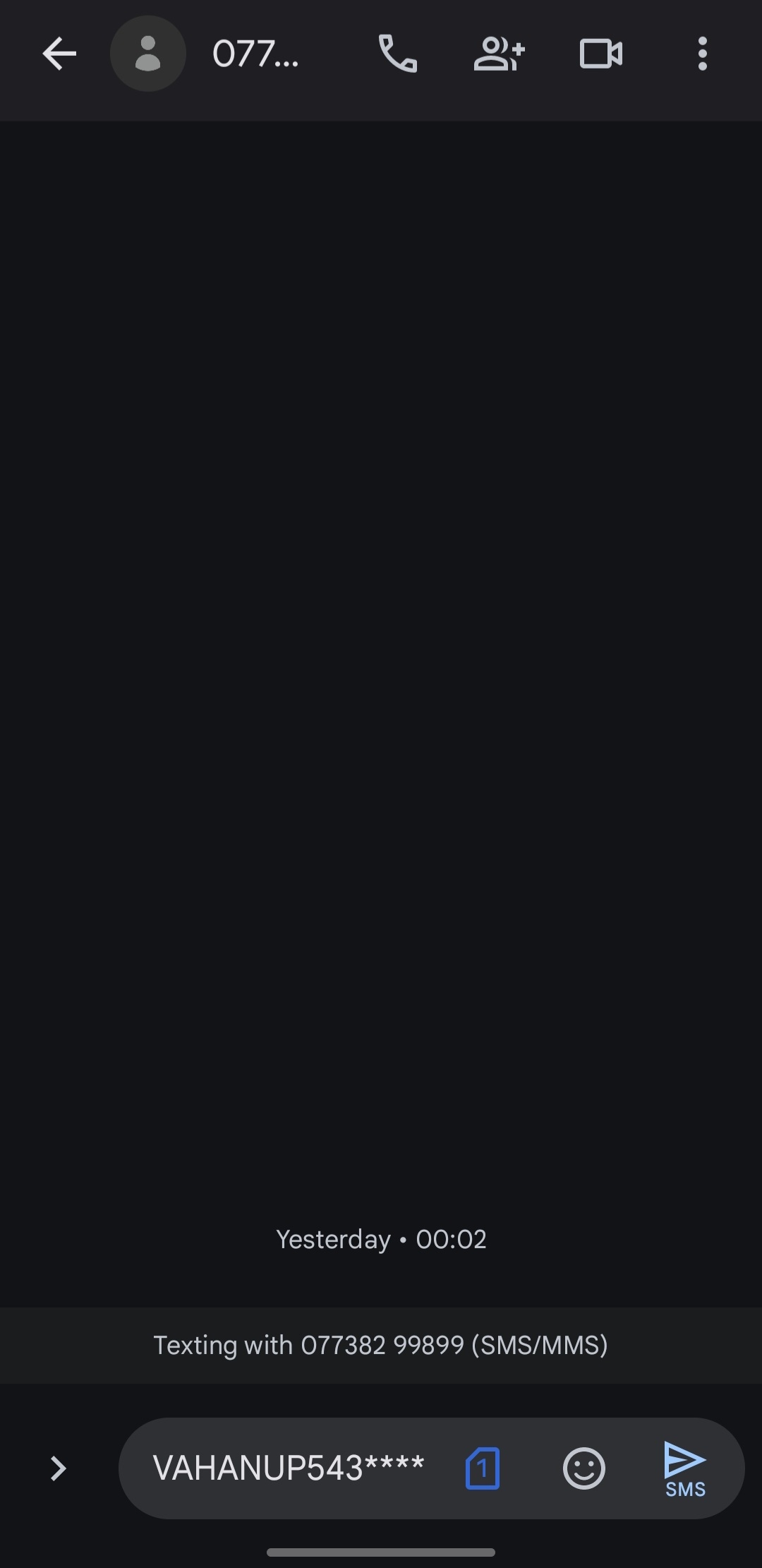
Follow the steps below to find out the vehicle owner's details via SMS:
You can also find vehicle owner details in Bangalore using the Digit app. Here are the steps to follow:
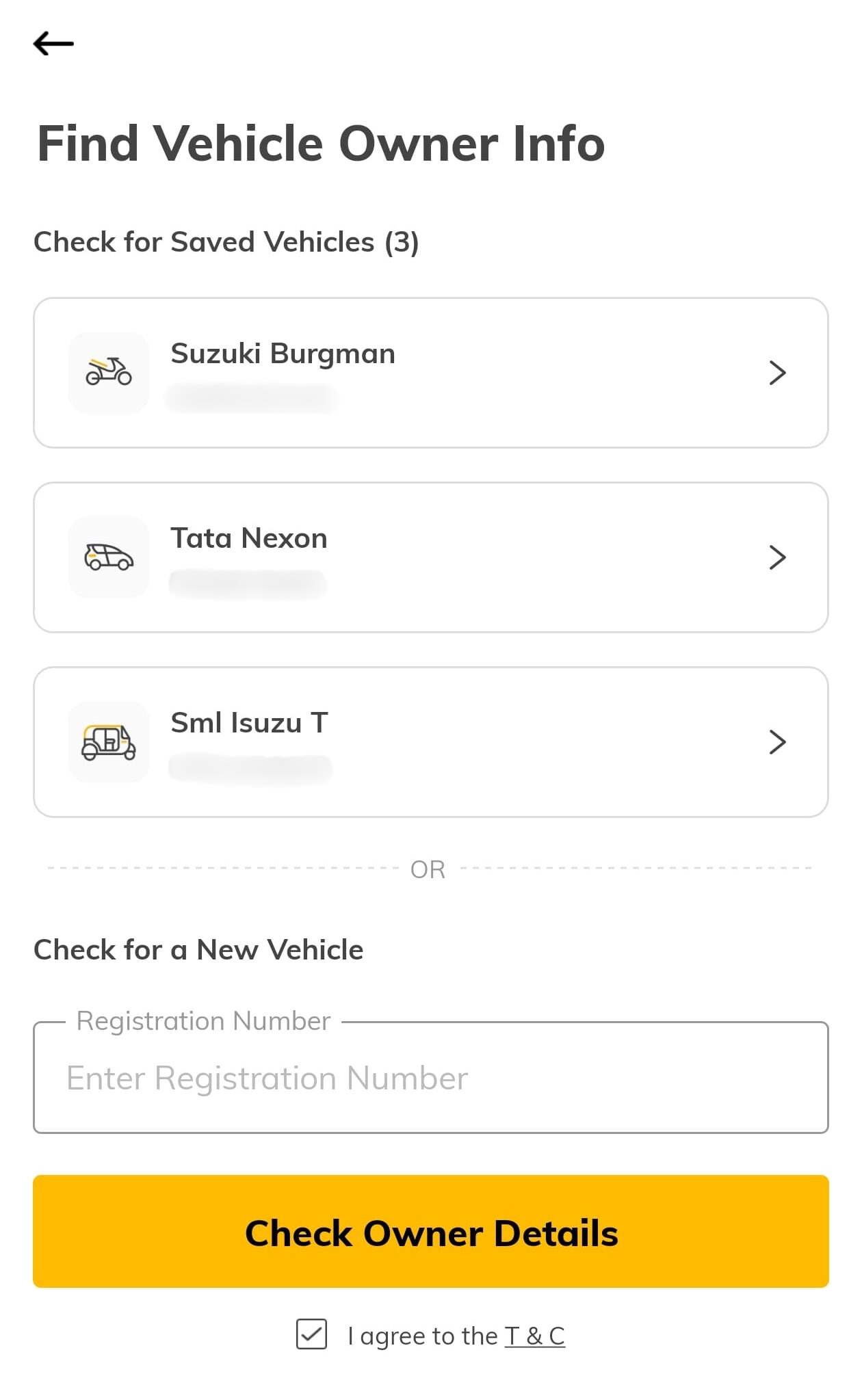
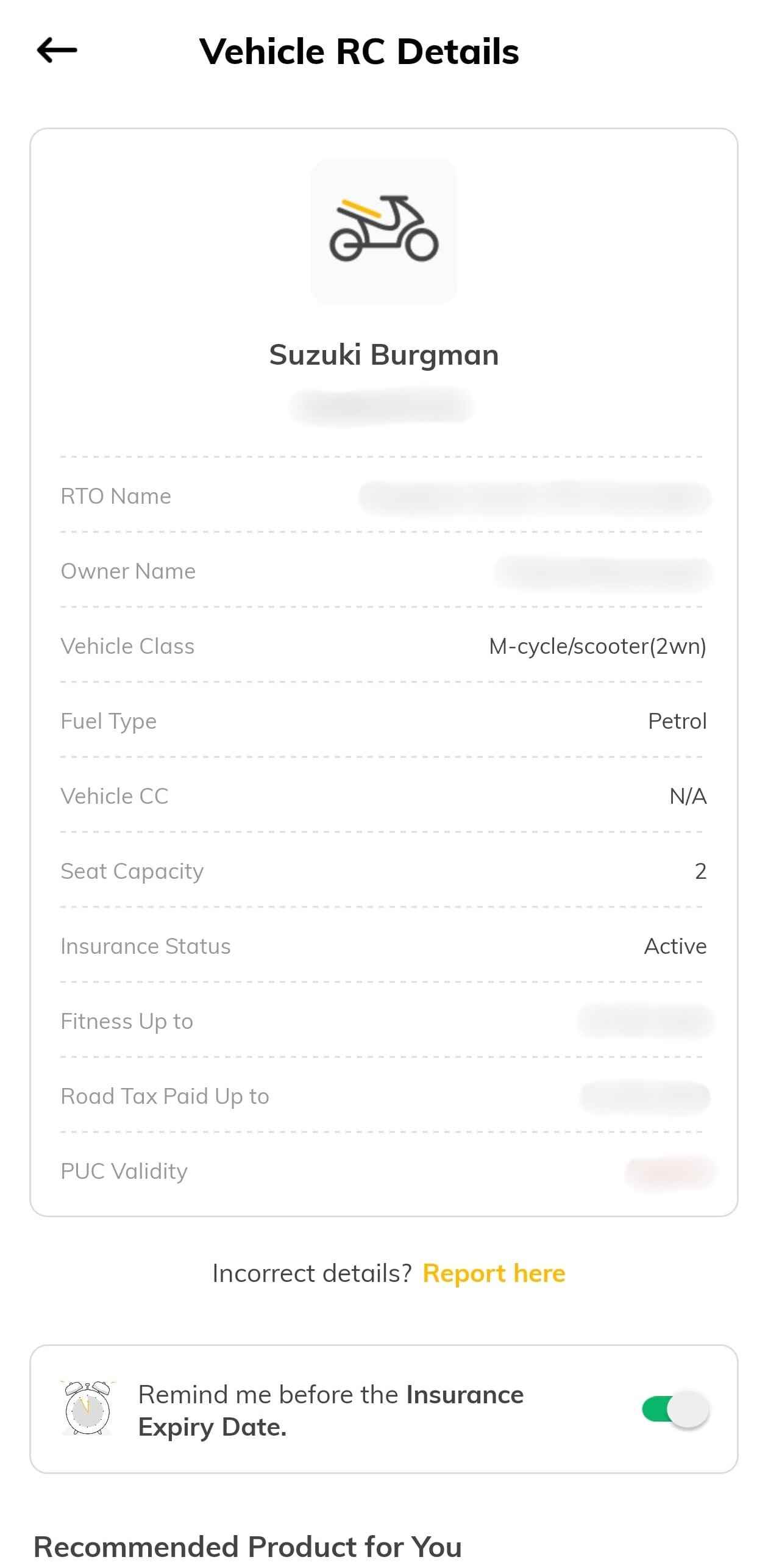
A registration certificate typically contains the following details. You will be able to retrieve them through the vehicle's number plate. The information includes:
It is vital to check the registration certificate in Uttar Pradesh for the reasons mentioned below:
Knowing how to check a vehicle owner's details is essential, especially when buying a used car or verifying ownership for legal compliance. Checking vehicle owner details by number plate in Uttar Pradesh is easy and can be done through the VAHAN website, SMS, or the Digit app.
Protect What Matters - Explore Other Insurance Options