General
Life
Accessibility Options


General
General Products
Simple & Transparent! Policies that match all your insurance needs.
 Car Insurance
 Two Wheeler Insurance
 Commercial Vehicle Insurance
 Health Insurance
 Home Insurance
 Travel Insurance
 Business Insurance
Car Insurance
Two Wheeler Insurance
Commercial Vehicle Insurance
Health Insurance
Travel Insurance
Business Insurance
Car Insurance
Two Wheeler Insurance
Commercial Vehicle Insurance
Health Insurance
Travel Insurance


Scan to download

Life

Life Products
Digit Life is here! To help you save & secure your loved ones' future in the most simplified way.
 Term Life
 Savings Plan
 Retirement and Pension Plans
 Group Life Products
 Product Documents
Term Life
Savings Plan
Retirement and Pension Plans
Group Life Products
Product Documents
Term Life
Savings Plan
Retirement and Pension Plans
Group Life Products
Scan to download

Claims
Claims
We'll be there! Whenever and however you'll need us.
 Customer Support
 Motor Claims
Health Claims
Motor Claims
Health Claims
 Marine Insurance
 Grievance Redressal
Customer Support
Motor Claims
Health Claims
Marine Insurance
Grievance Redressal
Grievance Redressal
Customer Support
Motor Claims
Health Claims
Marine Insurance
Grievance Redressal
Scan to download
 General
 Life
General
Life
Life
General
Life
Renewals
Resources
Resources
All the more reasons to feel the Digit simplicity in your life!
Exclusive Features
 Transparency Report
Others
Exclusive Features
Transparency Report
Transparency Report
Others
Exclusive Features
Transparency Report
Scan to download


Our WhatsApp number cannot be used for calls. This is a chat only number.

 Grey Scale
 Readable Text
 Reset
Reset



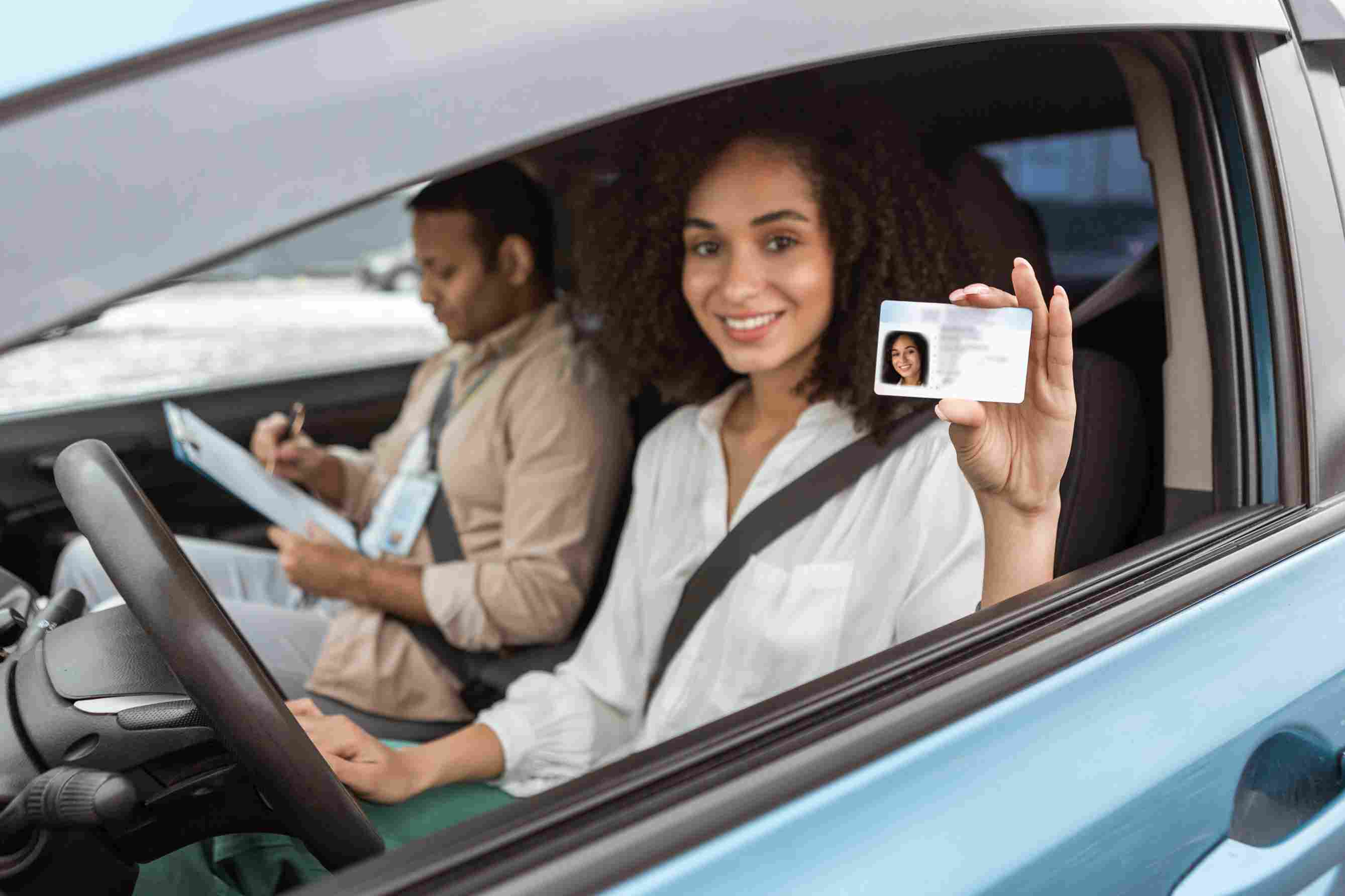
The procedure of applying for a driving licence and getting it is not that much time-consuming nowadays. This is because every Regional Transport Office throughout Odisha and the whole country quite effectively handles all driving licence-related issues. So if you have applied and want to check your Odisha driving licence application status, you can easily do that by following some simple steps. Keep scrolling through the article to know more.

Table of Contents

Having a driving licence is mandatory for all drivers. However, according to the type of vehicles and usage, you can apply for different types of driving licences. After applying for a licence, you must wait for some time to get the licence. However, if you find any issues getting the licence, you can check the online status of their licence.
Are you wondering about the process of checking Odisha's driving licence application status? Then, check out the following segment.
Driving licence procedure in Odisha takes 2 weeks to get approved. This time starts immediately after clearing the driving test. Hence, as there is a fixed time for the processing, you need not do driving licence tracking Odisha before 2 weeks. However, after 2 weeks, if you still do not receive your driving licence, you can opt to check the status online or offline.
You can check your driving licence application status online via two different methods, which are as follows:
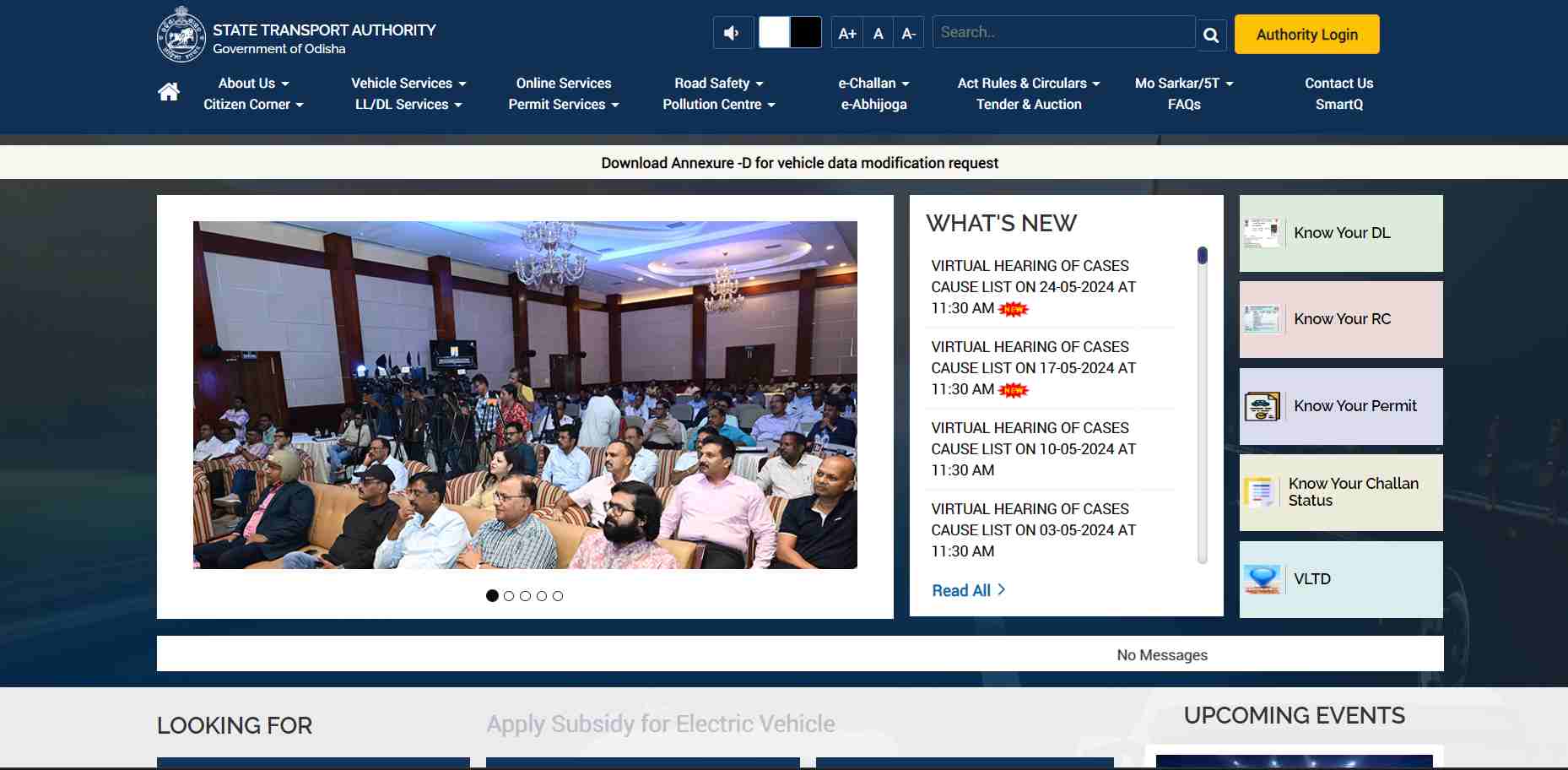
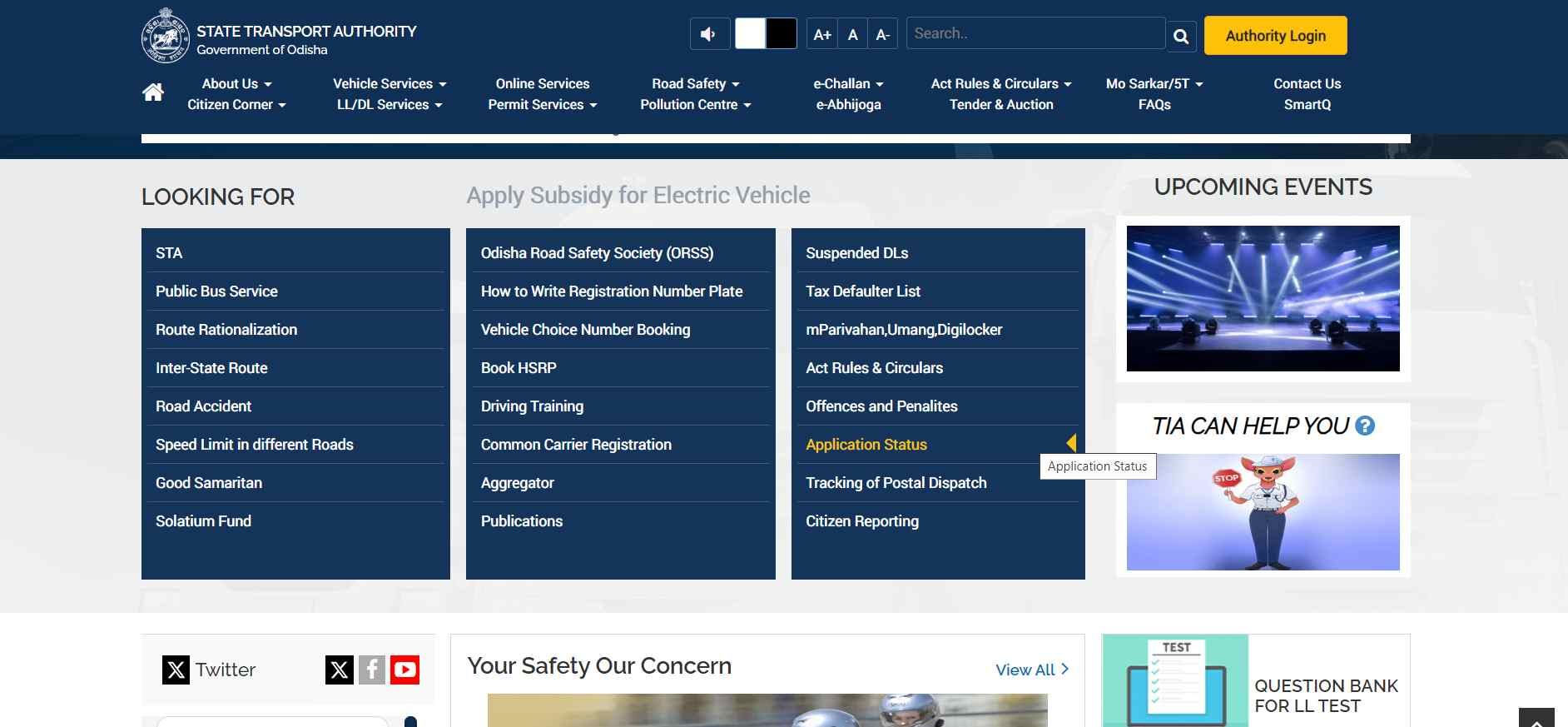
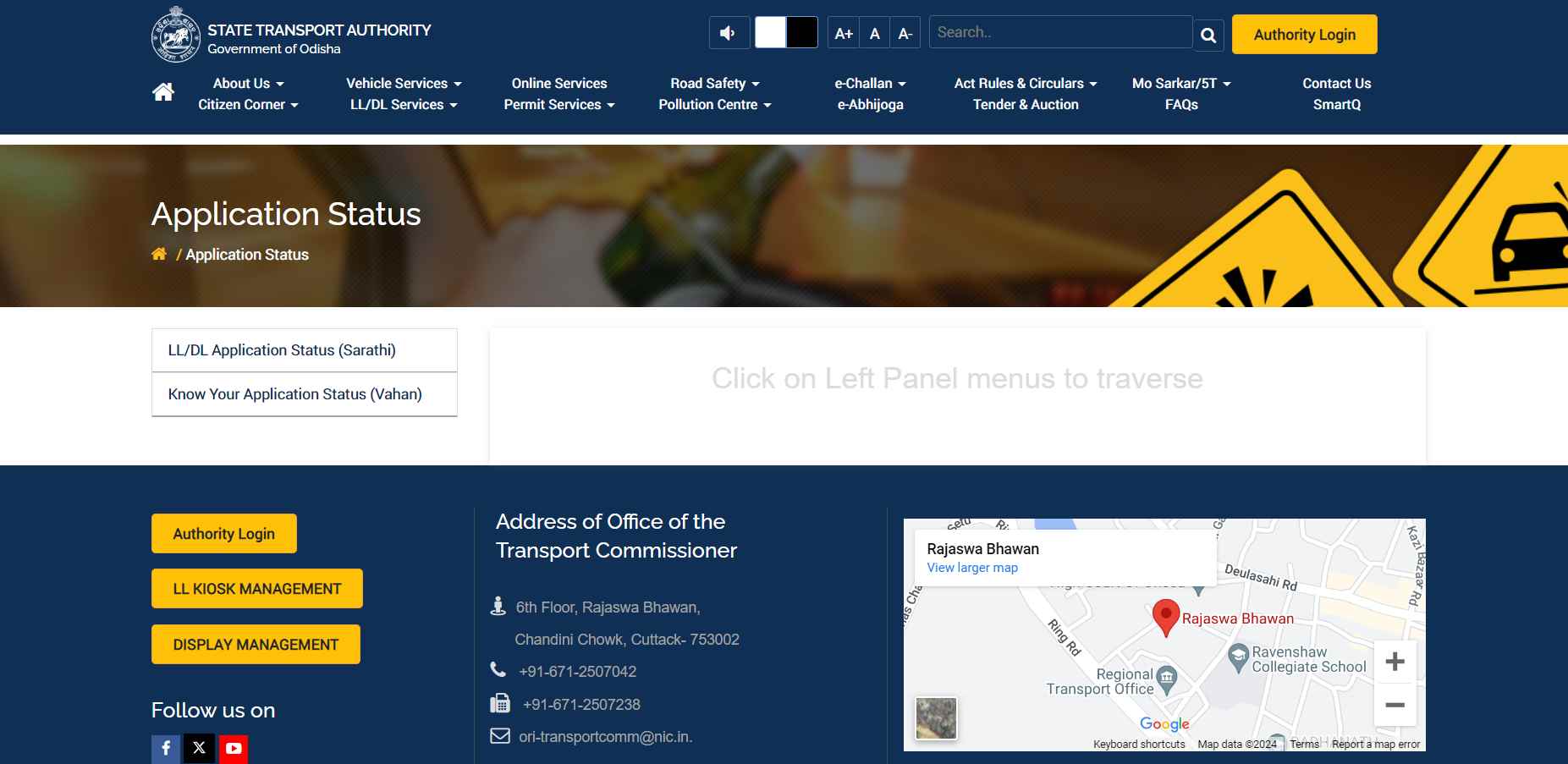
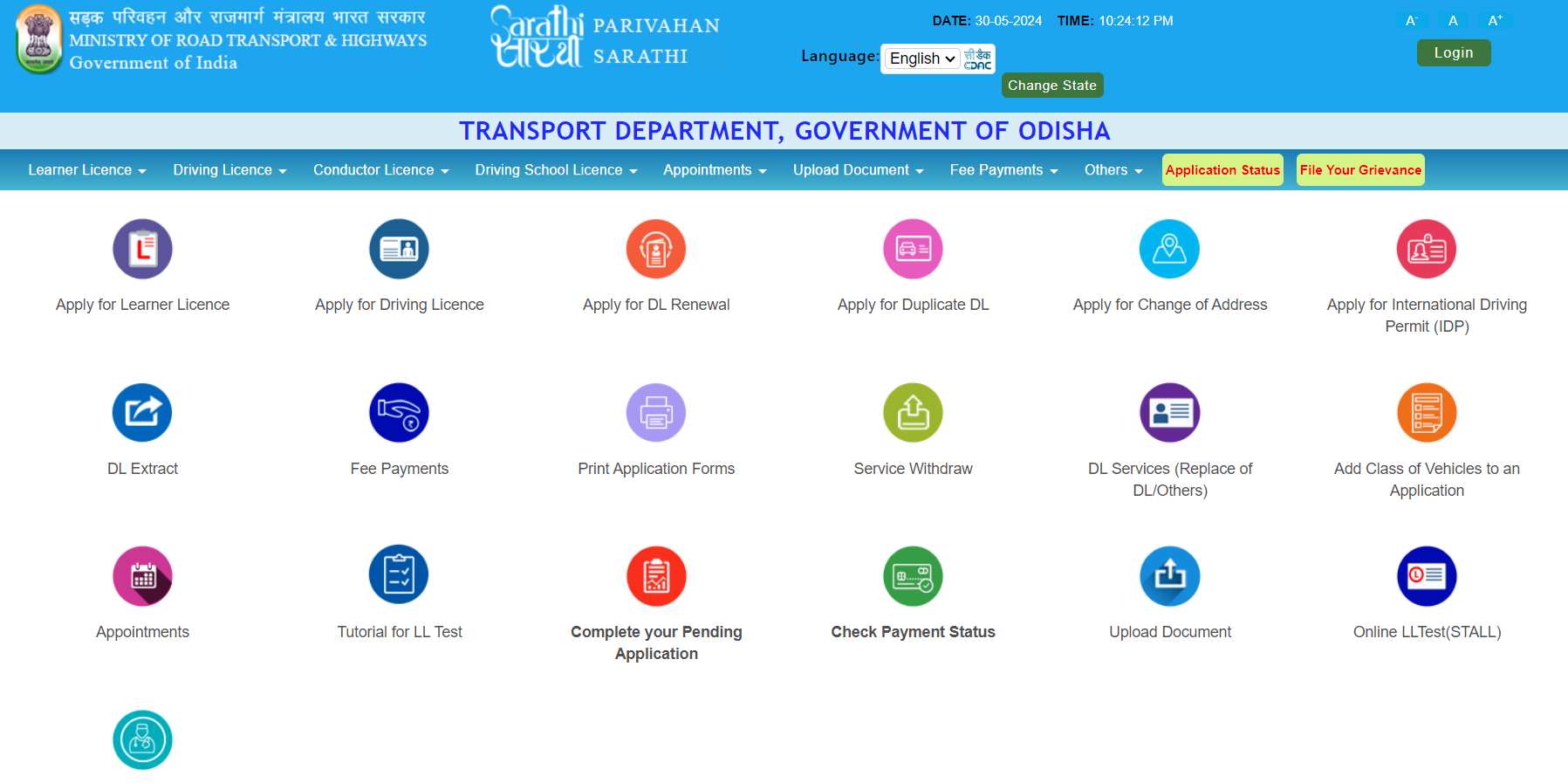
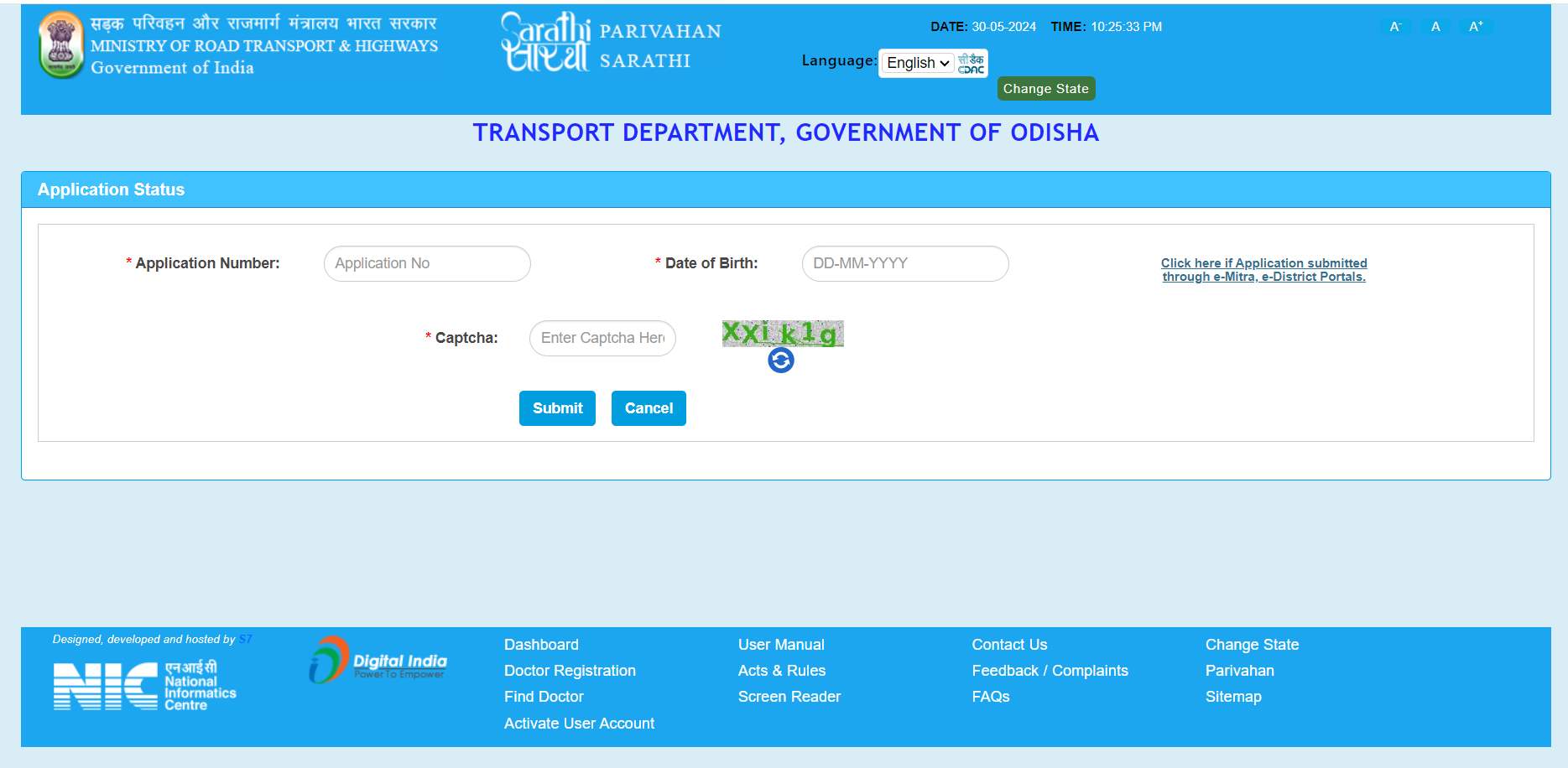
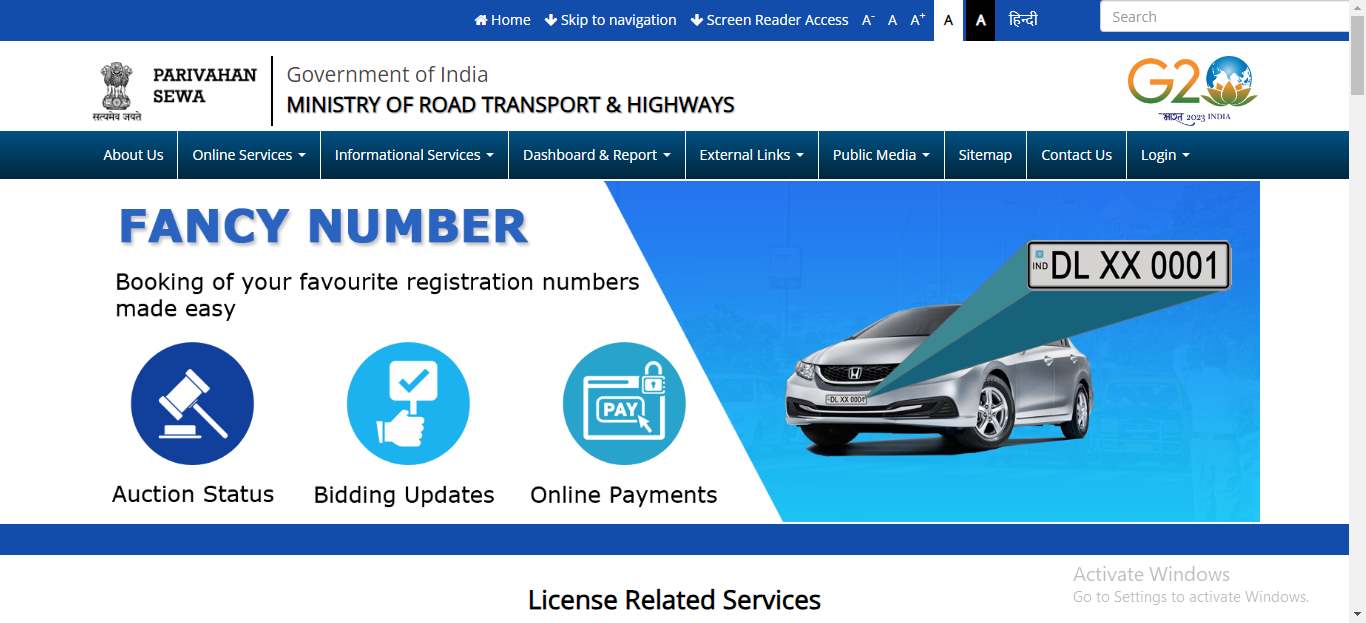
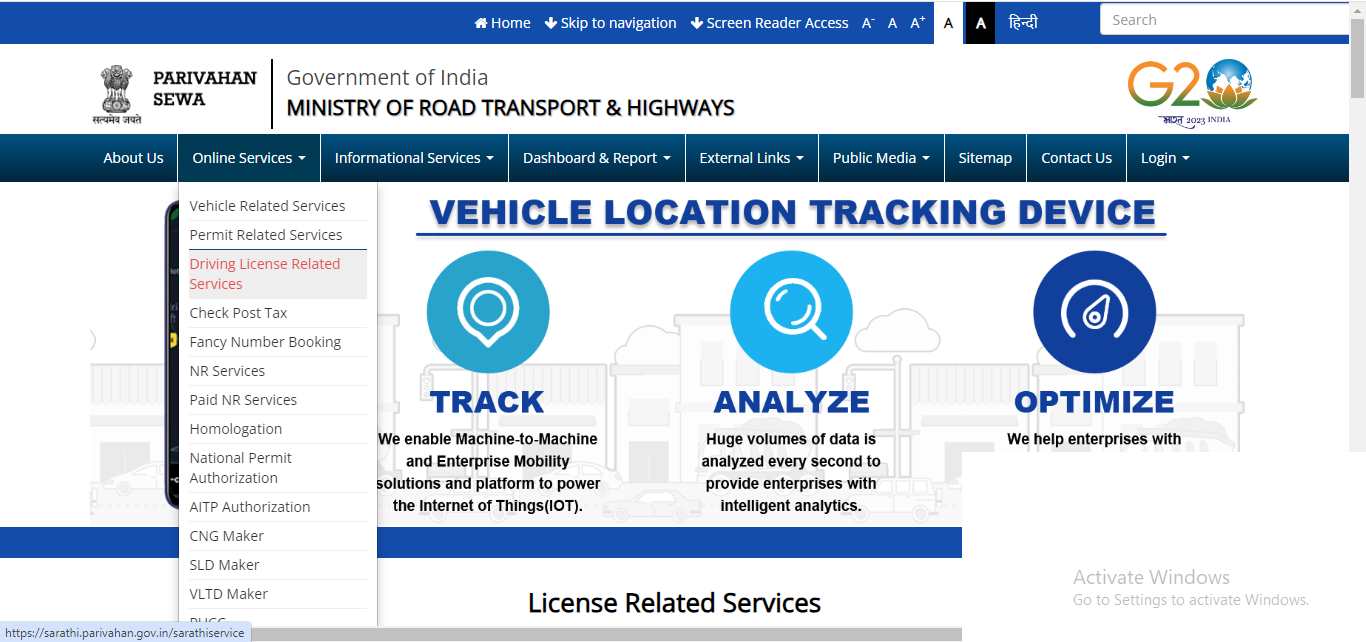
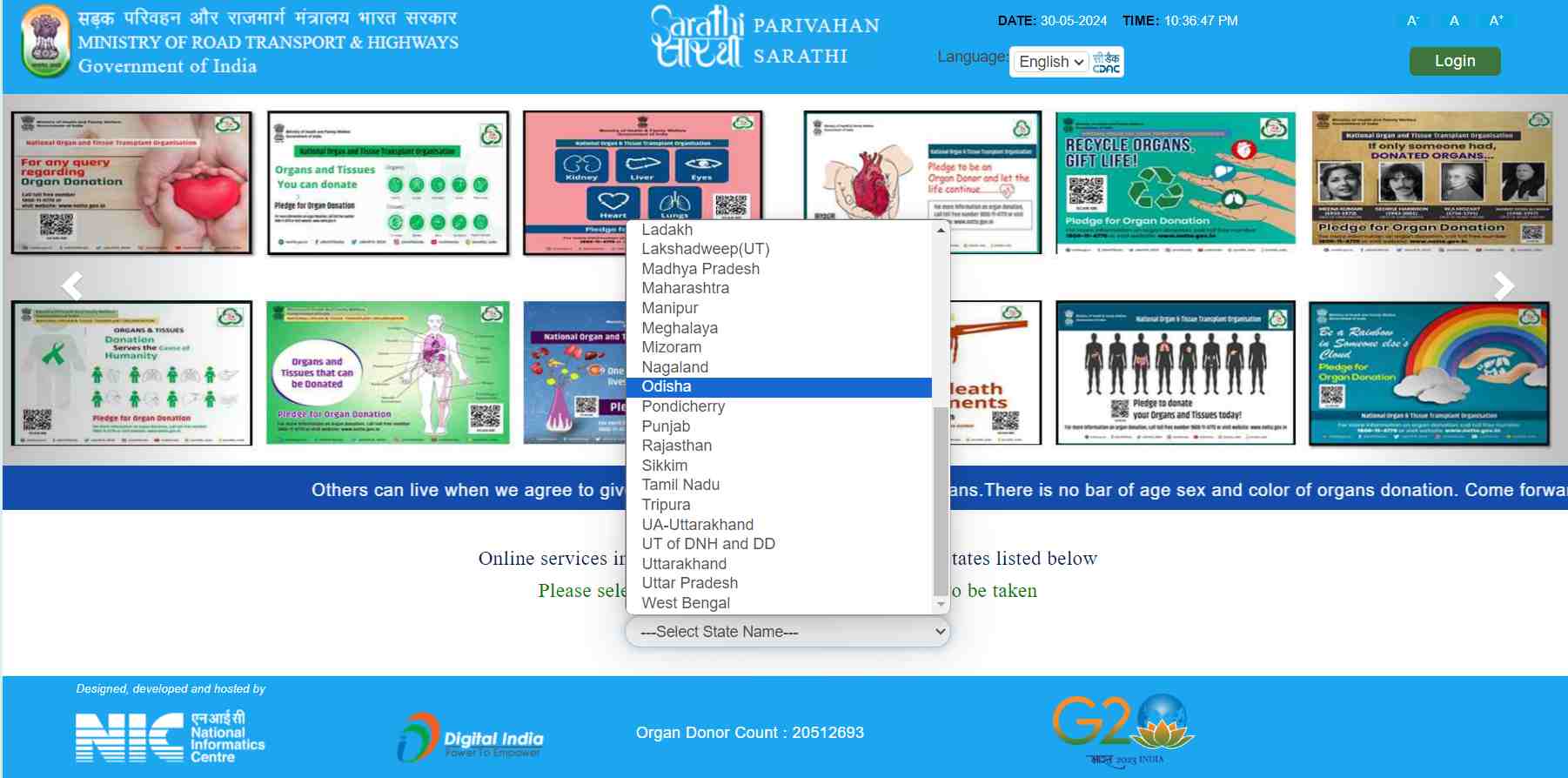
To check the application status offline in Odisha, you can follow the below-mentioned steps:
Listed below are some helpful tips that you can follow while checking your driving licence application status in Odisha:
Thus, consider this guide on Odisha driving licence application status for your help. The websites are easy to navigate so that you can do the whole process quickly. However, for any serious issues, you can visit your nearest RTO.
Protect What Matters - Explore Other Insurance Options
To change the address on your driving licence in Odisha, go to the Parivahan website, select Odisha as a state and then select Apply for Change of Address. Subsequently, type all the details and click ‘Get DL Details’.
Choose your RTO, enter your mobile number, and click the ‘Confirm’ button. Choose the address type for modification, enter the new address, and click OK. Fill out the application form online, attach proof of your address, pay the fee online, select your appointment, and go to RTO with documents.
The RTOs in Odisha issue five categories of driving licences:
To obtain a duplicate driving licence in Odisha, follow these steps:
Fill out the LLD form with proper information and details.
If your driving licence is damaged, it is advisable to include a copy of the original.
In case of a lost driving licence, enclose a photocopy of the FIR lodged to get a duplicate driving licence.
Provide the licence number from your existing licence.